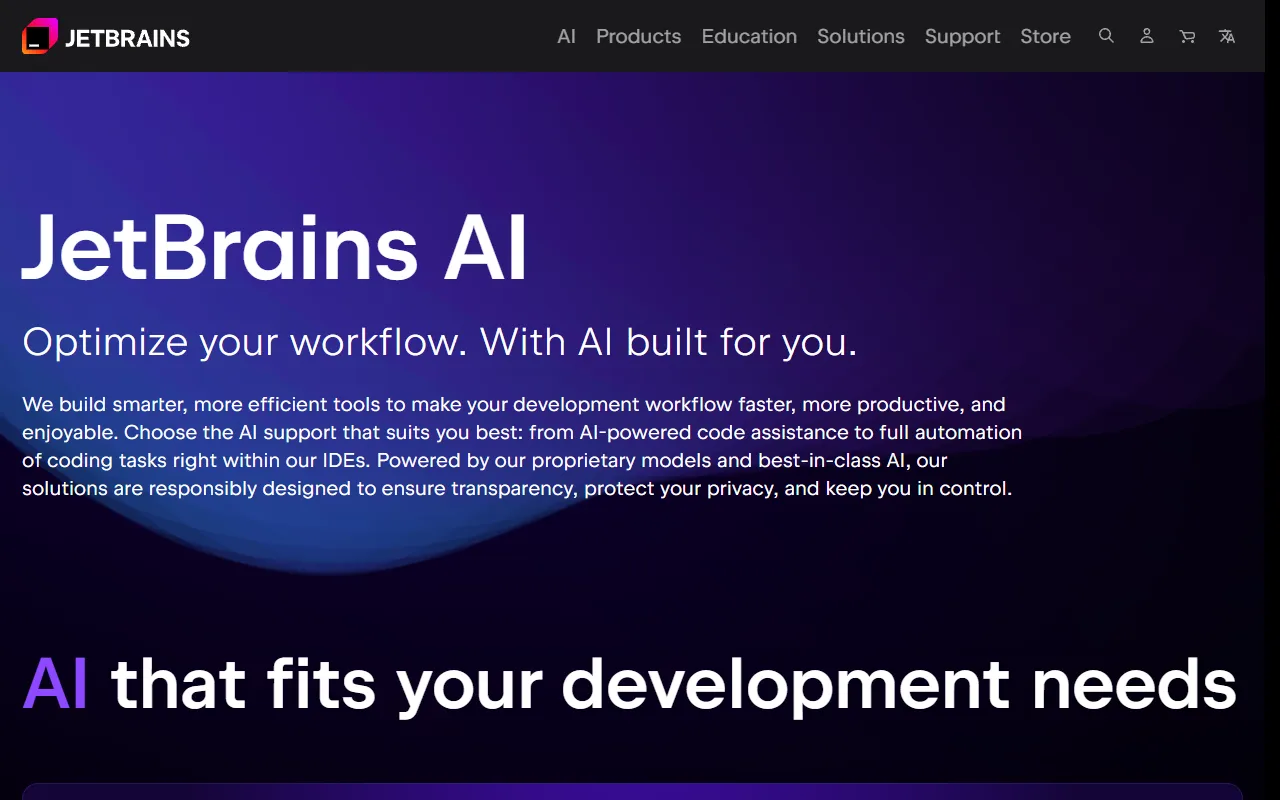
JetBrains AI
AI assistant integrated across all JetBrains IDEs for code completion, refactoring, and chat.
Quick Take
AI assistant integrated across all JetBrains IDEs for code completion, refactoring, and chat.
Pricing
FreemiumTool Overview
Tags
What is JetBrains AI?
JetBrains AI is an integrated artificial intelligence assistant built directly into the entire family of JetBrains integrated development environments, including IntelliJ IDEA, PyCharm, WebStorm, PhpStorm, Rider, GoLand, CLion, RubyMine, and every other JetBrains IDE. Developed by JetBrains, the company that has been creating best-in-class developer tools for over two decades, JetBrains AI represents a natural evolution of the company's mission to make developers more productive by combining their deep understanding of software development workflows with cutting-edge AI capabilities. Rather than being a standalone plugin or a third-party add-on, JetBrains AI is woven into the fabric of the IDE itself, appearing in code completion, code analysis, refactoring, debugging, and virtually every other aspect of the development experience.
What distinguishes JetBrains AI from other AI coding assistants is the incredible depth of integration with JetBrains' existing code intelligence engine. JetBrains IDEs have spent years building sophisticated code analysis, refactoring tools, and language-specific understanding that goes far beyond simple text processing. JetBrains AI leverages this existing infrastructure, combining traditional static analysis with AI-generated suggestions to produce results that are not only contextually relevant but also semantically correct. When JetBrains AI suggests code, it benefits from the IDE's understanding of types, scopes, imports, and project structure, resulting in suggestions that compile and work correctly far more often than suggestions from AI tools that lack this deep integration.
JetBrains AI utilizes multiple AI models from various providers to deliver the best results for different types of tasks. The system intelligently routes requests to the most appropriate model based on the task at hand, whether that is code completion, code explanation, documentation generation, or complex problem-solving. This multi-model approach ensures that users get the best possible assistance without needing to manually select or configure different AI providers, making the experience seamless and consistently high-quality.
Key Features
Native IDE Integration: JetBrains AI is not a separate plugin bolted onto the IDE but a deeply integrated feature that enhances every aspect of the development workflow. AI-powered suggestions appear naturally in code completion menus alongside the IDE's traditional completions, AI explanations are available in context menus, and AI-assisted refactoring works with the IDE's built-in refactoring engine. This native integration means there is no context switching, no separate panels to manage, and no learning curve beyond what you already know about your JetBrains IDE.
Full-Line and Multi-Line Code Completion: The AI-powered code completion goes beyond suggesting individual tokens to predicting entire lines and multi-line blocks of code. These suggestions are informed by both the AI model's training and the IDE's understanding of the current code context, including types, variable names, method signatures, and project-specific patterns. The result is completion suggestions that are remarkably accurate and require minimal editing, significantly accelerating the coding process.
AI Chat with Codebase Context: JetBrains AI includes a chat interface within the IDE where you can ask questions about your code, request explanations of complex logic, get help with debugging, and have the AI generate code for specific tasks. The chat has full access to your project context, meaning it understands your file structure, dependencies, and code organization. You can reference specific files, classes, or functions in your questions, and the AI will provide answers that are directly relevant to your codebase.
AI-Powered Documentation Generation: With a single command, JetBrains AI can generate comprehensive documentation for functions, classes, and modules based on the actual code implementation. The generated documentation includes parameter descriptions, return value explanations, and usage examples that accurately reflect the code's behavior. This feature dramatically reduces the time required to maintain documentation and helps teams keep their code well-documented without the usual friction.
Commit Message Generation: JetBrains AI can automatically generate meaningful commit messages based on the changes you have made to your code. By analyzing the diff of staged changes, the AI produces commit messages that accurately describe what was changed and why, following conventional commit message formats. This eliminates the common developer frustration of writing commit messages and ensures that version control history remains informative and useful.
How It Works
JetBrains AI is activated by subscribing to the JetBrains AI service and enabling it within your JetBrains IDE. If you are already a JetBrains IDE user, activation requires just a few clicks in the settings menu to enable the AI features. Once activated, AI-powered code completions begin appearing automatically as you type, seamlessly blending with the IDE's existing suggestion system. The experience is designed to feel like a natural enhancement of the tools you already use rather than a disruptive new feature that requires changing your workflow.
The AI chat feature is accessible through a panel in the IDE or through keyboard shortcuts, allowing you to quickly ask questions without leaving your editor. You can select code and ask the AI to explain it, refactor it, find bugs in it, or generate tests for it. The AI considers the full context of the selected code within the project, providing responses that account for how the code interacts with other components. For more complex tasks, you can have extended conversations with the AI, iteratively refining code and exploring different approaches to a problem.
JetBrains AI works across all languages and frameworks supported by each IDE. In IntelliJ IDEA, it understands Java, Kotlin, and other JVM languages. In PyCharm, it has deep Python knowledge. In WebStorm, it excels with JavaScript and TypeScript. This language-specific expertise, combined with the AI's general knowledge, means you get assistance that is both technically accurate and idiomatically appropriate for the language and framework you are using.
Use Cases
Daily Coding Acceleration: Professional developers use JetBrains AI to speed up their daily coding tasks through intelligent code completion, quick code generation, and instant access to explanations. The seamless integration means that productivity improvements are realized immediately without any workflow disruption, making every coding session more efficient.
Code Review and Quality Improvement: Teams use JetBrains AI to help review code, identify potential issues, suggest improvements, and ensure consistency with project coding standards. The AI can spot common patterns that lead to bugs, suggest more efficient implementations, and help enforce best practices across the team's codebase.
Test Generation: JetBrains AI can generate unit tests for existing code, analyzing the implementation to create tests that cover key scenarios, edge cases, and error conditions. This capability helps teams improve their test coverage without the tedious manual work of writing tests for existing code, making it easier to maintain a robust test suite.
Learning New Technologies: Developers transitioning to new languages, frameworks, or codebases use JetBrains AI as a knowledgeable guide that can explain unfamiliar code patterns, suggest idiomatic implementations, and provide contextual documentation. The AI's ability to explain code in the context of the specific project accelerates the learning process significantly.
Pricing
JetBrains AI is offered as an add-on subscription to existing JetBrains IDE licenses. The AI service is available in a free tier that provides basic AI-powered code completion and limited chat interactions, allowing all JetBrains users to experience AI assistance at no additional cost. The full JetBrains AI Pro subscription is priced at approximately $8.33 per user per month when billed annually (around $100 per year), which unlocks unlimited AI chat interactions, advanced code generation, full-line and multi-line completions with the most capable models, documentation generation, commit message generation, and all other AI features. For organizations, JetBrains offers team and enterprise pricing with volume discounts, centralized billing, and administrative controls. Notably, the AI subscription is separate from the IDE license, so teams need both an IDE subscription and an AI subscription to access the full feature set.
Pros and Cons
Pros:
Deepest possible IDE integration leverages JetBrains' decades of code intelligence for more accurate, contextually relevant suggestions
Works across the entire JetBrains IDE family, providing consistent AI assistance regardless of which language or platform you develop for
Free tier available for all JetBrains IDE users, making it easy to try AI-assisted coding without additional investment
Multi-model approach automatically selects the best AI model for each task, optimizing for quality without requiring user configuration
Cons:
Only available within JetBrains IDEs, making it inaccessible to developers who prefer Visual Studio Code, Vim, or other editors
Requires both a JetBrains IDE license and a separate AI subscription for full features, which can be expensive when combined
The AI features are still evolving, and some capabilities may feel less mature than those offered by dedicated AI coding tools that have been on the market longer
Who Is It Best For?
JetBrains AI is the natural choice for developers who already use JetBrains IDEs as their primary development environment. If you work in IntelliJ IDEA, PyCharm, WebStorm, or any other JetBrains IDE, adding AI assistance through JetBrains AI is the path of least resistance, requiring no new tools, no new interfaces, and no disruption to your existing workflow. It is particularly well-suited for professional development teams that have standardized on JetBrains tools and want to add AI capabilities in a way that is consistent, centrally managed, and deeply integrated with their existing toolchain.
Why Choose JetBrains AI?
JetBrains AI offers something that no other AI coding assistant can match: the depth of integration that comes from being built by the same company that builds the IDE. While other AI tools can be added to JetBrains IDEs as plugins, none can achieve the level of seamless integration that JetBrains AI provides, because none have access to the same deep code analysis engine, refactoring infrastructure, and language-specific intelligence that JetBrains has spent decades building. If you believe that the best AI coding assistance comes from the tightest possible integration between AI and traditional developer tools, JetBrains AI is the definitive choice.
ADVERTISEMENT
728 x 90
Browse More Tools
View all
Connected Papers
Research ToolsVisual tool for exploring academic paper connections and building literature graphs.


Ironclad
Legal AIAI-powered contract lifecycle management platform for enterprise legal teams.
MindsDB
Data AnalyticsAI platform that brings machine learning directly into your existing databases.
AI Shirt Design Generator - YupTees
AI Image GenerationYupTees: AI-powered T-shirt design generator for fast, easy, and scalable print-on-demand creations.
Claude
AI AssistantsAnthropic's AI assistant known for thoughtful, nuanced responses, strong reasoning capabilities, and a focus on safety and helpfulness.

AlphaFold
Science AIDeepMind AI system that predicts 3D protein structures with remarkable accuracy.

Cursor
Code AssistantsAn AI-first code editor built on VS Code that integrates AI deeply into every aspect of the coding experience, from writing to debugging.

ChatGPT
AI AssistantsOpenAI's conversational AI assistant capable of generating text, answering questions, writing code, and assisting with a wide range of tasks.

Claid.ai
Image EditingAI product photo editing with automated background removal, upscaling, and enhancement.