Quick Take
Anthropic's CLI-based agentic coding tool for terminal-driven AI development workflows.
Pricing
PaidTool Overview
Category
Code Tools
Pricing
Paid
Official Website
https://docs.anthropic.com/en/docs/claude-codeReleased
N/A
Tags
What is Claude Code?
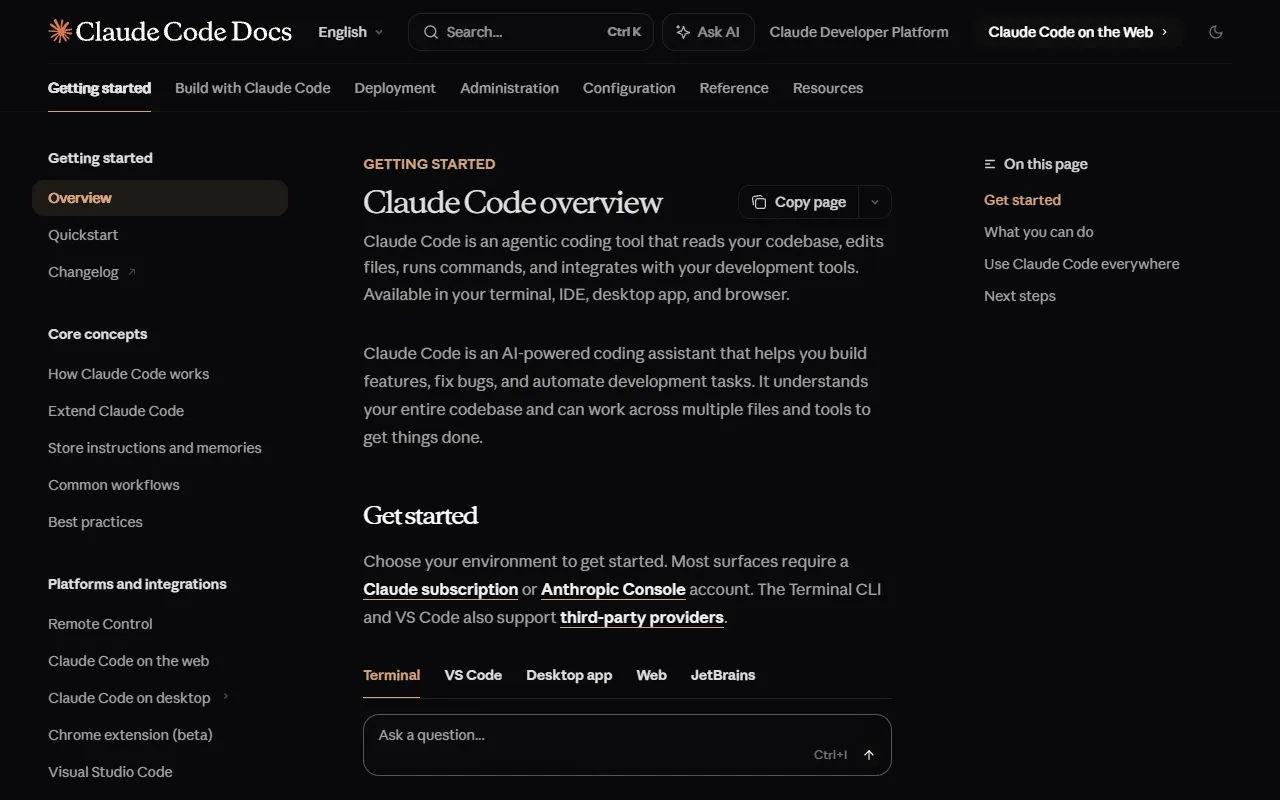
Claude Code is an agentic coding tool developed by Anthropic that operates directly from the command line, bringing the full power of Claude's advanced reasoning capabilities into the terminal where many developers feel most at home. Unlike IDE-based coding assistants that augment a graphical editor, Claude Code is designed as a CLI-first experience that integrates naturally into terminal-centric development workflows. It can understand entire codebases, edit files across projects, run commands, search the web, and orchestrate complex multi-step development tasks, all through natural language conversation in the terminal.
What makes Claude Code particularly compelling is its deep integration with Anthropic's Claude models, which are widely recognized for their exceptional reasoning abilities, strong instruction following, and careful attention to nuance and detail. This means Claude Code can handle complex coding tasks that require genuine understanding rather than pattern matching, from architecting new features and debugging subtle race conditions to refactoring legacy code and explaining intricate system behaviors. The tool understands project context by reading files, analyzing directory structures, and building a mental model of the codebase that informs every suggestion and action it takes.
Claude Code represents Anthropic's vision of how AI should assist developers: as a thoughtful, capable collaborator that respects developer agency and provides transparent, explainable assistance. Rather than hiding its reasoning behind opaque suggestions, Claude Code shows its thought process, explains its decisions, and asks for clarification when instructions are ambiguous. This approach reflects Anthropic's broader commitment to building AI systems that are helpful, harmless, and honest, applied specifically to the domain of software development.
Key Features
CLI-Native Agentic Workflow: Claude Code operates entirely from the command line, making it a natural fit for developers who spend most of their time in the terminal. You can invoke it to perform complex multi-step tasks, from implementing features across multiple files to setting up project configurations and running test suites. The tool handles the entire workflow autonomously while presenting each action for your review, combining the efficiency of automation with the control of manual oversight.
Deep Codebase Understanding: Claude Code can read and analyze your entire project structure, understanding how files relate to each other, how functions are called across modules, and how the overall architecture is organized. This comprehensive understanding enables it to make suggestions that are consistent with your project's patterns, properly reference existing utilities and types, and avoid introducing code that conflicts with established conventions.
Advanced Reasoning with Claude Models: Powered by Anthropic's Claude models, Claude Code brings exceptional reasoning capabilities to coding tasks. It can work through complex logic problems, understand subtle bugs that require deep analysis, plan multi-step refactoring strategies, and generate code that reflects genuine understanding of the problem domain rather than superficial pattern matching. Claude's strong performance on coding benchmarks translates directly into higher-quality code suggestions and more reliable task completion.
File Editing and Creation: Claude Code can create new files and edit existing ones across your project, presenting changes through clear diffs that show exactly what will be modified. The tool respects your project's file organization, naming conventions, and code style, ensuring that generated code fits naturally into the existing codebase. Multi-file operations are coordinated to maintain consistency across related changes.
Command Execution and Tool Use: Beyond writing code, Claude Code can execute shell commands to install dependencies, run build processes, execute tests, and perform other development tasks. It can also search the web for documentation and solutions, interact with git for version control operations, and use other command-line tools in your development environment. This comprehensive tool use capability enables truly end-to-end task completion without switching contexts.
How It Works
Getting started with Claude Code requires an Anthropic API key or a supported subscription plan. Installation is done through npm with a simple command, and once installed, you can launch Claude Code in any project directory by typing the command in your terminal. The tool immediately begins analyzing your project structure, reading key files, and building its understanding of the codebase. This initial analysis happens quickly and provides the foundation for context-aware assistance throughout your session.
Interaction with Claude Code is conversational. You describe what you want to accomplish in natural language, and the tool responds with a plan, asks clarifying questions if needed, and then proceeds to execute the necessary steps. Each action, whether editing a file, creating a new one, or running a command, is presented to you for approval before execution. You can accept, modify, or reject any proposed action, and you can provide additional context or redirect the tool at any point in the conversation. This collaborative workflow ensures that you remain in control while the AI handles the implementation details.
Claude Code maintains conversation context throughout a session, remembering what has been discussed, what files have been modified, and what tasks have been completed. This persistence enables complex multi-step workflows where later tasks build on earlier ones, such as implementing a feature, then writing tests for it, then updating documentation to reflect the changes. The tool can also be configured with project-specific instructions through configuration files, ensuring consistent behavior across team members and sessions.
Use Cases
Feature Development: Developers use Claude Code to implement new features end-to-end, from understanding requirements and planning the implementation to writing code across multiple files, creating tests, and updating documentation. The CLI-native workflow is particularly efficient for developers who prefer terminal-based development and want to stay in their flow state without switching between tools.
Codebase Exploration and Understanding: When joining a new project or working with unfamiliar code, developers use Claude Code to ask questions about how the codebase is organized, how specific features are implemented, and what the implications of potential changes might be. The tool's ability to read and reason about the entire project makes it an excellent guide through complex codebases.
Debugging and Problem Solving: Claude Code excels at diagnosing and fixing bugs, particularly complex issues that span multiple files or involve subtle logical errors. By describing symptoms and sharing error messages, developers can leverage Claude's strong reasoning abilities to identify root causes and implement fixes that address the underlying problem rather than just the symptoms.
Git Operations and Code Review: Claude Code can handle git operations including creating commits with meaningful messages, managing branches, and reviewing code changes. Developers use it to prepare pull requests, write commit messages that accurately describe changes, and review diffs to identify potential issues before merging.
Pricing
Claude Code operates on a usage-based pricing model tied to Anthropic's API. Users pay for the tokens consumed during their interactions with the tool, with costs depending on the Claude model version selected and the volume of input and output tokens processed. Typical development sessions cost a few dollars depending on complexity and duration. Claude Code is also available through Anthropic's Max subscription plans, which provide a monthly usage allowance at a fixed price, making costs more predictable for regular users. The Max plan starts at approximately $100 per month for individual developers and includes a generous allocation of usage. For teams and enterprises, Anthropic offers custom pricing and deployment options. While the per-token costs are higher than some alternatives, the quality of Claude's reasoning and the reliability of its output mean that tasks are often completed in fewer iterations, potentially reducing the total cost per completed task.
Pros and Cons
Pros:
Exceptional reasoning quality powered by Anthropic's Claude models, producing thoughtful, well-structured code and explanations
CLI-native design integrates seamlessly into terminal-centric workflows and can be used alongside any editor or IDE
Transparent operation with clear explanations of reasoning and human-in-the-loop approval for every action
Strong context understanding that considers the full project structure and codebase conventions
Cons:
Usage-based pricing can be difficult to predict and may become expensive during intensive coding sessions with large codebases
Requires familiarity with command-line interfaces, which may present a learning curve for developers accustomed to GUI-based tools
Limited to Anthropic's Claude models, unlike some alternatives that support multiple model providers for flexibility in cost and performance
Who Is It Best For?
Claude Code is best suited for experienced developers who are comfortable working in the terminal and value the quality of AI reasoning above all else. It is particularly appealing to senior engineers, technical leads, and full-stack developers who work on complex projects where the nuance and accuracy of AI assistance matters more than raw speed. Developers who appreciate Anthropic's approach to responsible AI development will find Claude Code's transparent, thoughtful assistance aligned with their values. If you prioritize code quality, clear reasoning, and a tool that feels like collaborating with a skilled colleague rather than an autocomplete engine, Claude Code delivers an experience that is difficult to match.
Why Choose Claude Code?
Claude Code offers something increasingly rare in the AI coding tool landscape: genuine intelligence applied to the craft of software development. While many tools race to generate code as quickly as possible, Claude Code focuses on generating the right code, code that is well-reasoned, properly integrated, and reflective of genuine understanding of the problem at hand. The CLI-native approach appeals to developers who value efficiency and simplicity, while the quality of Claude's reasoning ensures that the time saved through automation is not lost to debugging poorly generated code. For developers who want an AI coding partner that thinks carefully and acts deliberately, Claude Code sets the standard for what agentic coding assistance should be.
ADVERTISEMENT
728 x 90
Browse More Tools
View all
Connected Papers
Research ToolsVisual tool for exploring academic paper connections and building literature graphs.


Ironclad
Legal AIAI-powered contract lifecycle management platform for enterprise legal teams.
MindsDB
Data AnalyticsAI platform that brings machine learning directly into your existing databases.
AI Shirt Design Generator - YupTees
AI Image GenerationYupTees: AI-powered T-shirt design generator for fast, easy, and scalable print-on-demand creations.
Claude
AI AssistantsAnthropic's AI assistant known for thoughtful, nuanced responses, strong reasoning capabilities, and a focus on safety and helpfulness.
AlphaFold
Science AIDeepMind AI system that predicts 3D protein structures with remarkable accuracy.
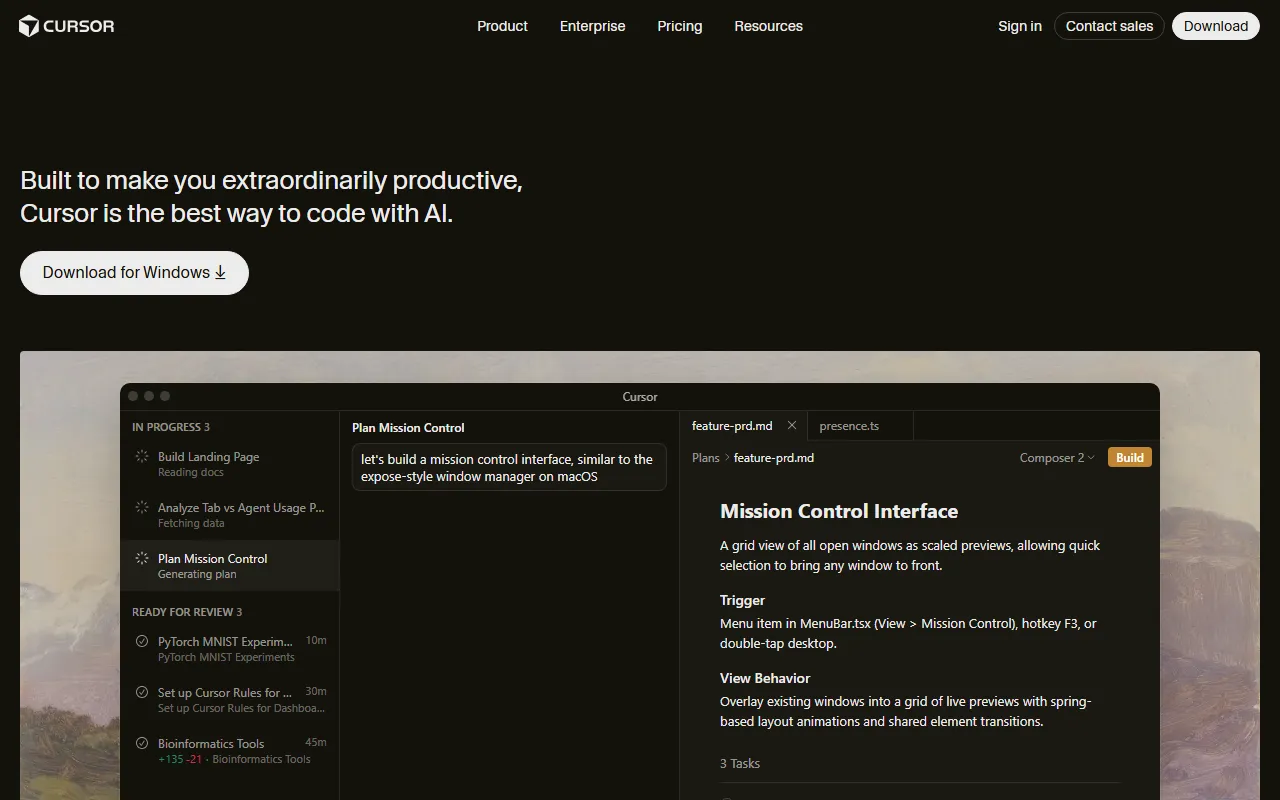

Cursor
Code AssistantsAn AI-first code editor built on VS Code that integrates AI deeply into every aspect of the coding experience, from writing to debugging.

ChatGPT
AI AssistantsOpenAI's conversational AI assistant capable of generating text, answering questions, writing code, and assisting with a wide range of tasks.

Claid.ai
Image EditingAI product photo editing with automated background removal, upscaling, and enhancement.