
Cline
Acts as an autonomous coding agent within VS Code, enabling users to create and edit files, execute commands, and browse the web. Open-source and free to use, it caters to developers seeking efficient coding assistance.
As a developer, you’ve probably faced the daunting task of refactoring a sprawling codebase. Maybe you’re dealing with an extensive project, where making sweeping changes across multiple files feels like trying to untangle a web of dependencies and potential breaking points. In these moments, tools like Cline become invaluable. When you’re in the trenches, needing to understand, refactor, or automate processes within your code, Cline promises to be a reliable coding companion, offering features that integrate directly into your IDE or terminal.
One standout feature of Cline is its ability to refactor large codebases seamlessly. It allows developers to make coordinated changes across multiple files while maintaining consistency in imports, types, and overall code behavior. This is particularly useful when you need to update a recurring pattern or integrate a new library across your project. With Cline, you can run it from your terminal, and it will intelligently assess and refactor your code, ensuring that everything stays in sync. This level of automation can significantly reduce the manual effort usually required, letting you focus more on the strategic aspects of development rather than getting bogged down by repetitive tasks.
However, Cline isn’t without its limitations. One notable gap is in its pricing structure for enterprise users. While individual developers can enjoy the tool for free, enterprise teams will need to consider additional costs for AI inference usage. This pay-as-you-go model may pose challenges for teams needing to predict or manage budgets, especially if they frequently rely on AI-driven tasks. Enterprises also need to weigh the value of additional features like dedicated support and team management dashboards, which are only available at the enterprise level.
When comparing Cline to other coding aids like Kite or GitHub Copilot, the open-source nature and customization options of Cline stand out. Unlike these alternatives, Cline gives you the freedom to bring your own keys for AI model usage, removing any vendor lock-in. This means you’re not tied to a single provider’s pricing or capabilities. For developers who prefer a more self-managed and cost-controlled environment, Cline is an excellent choice. However, those who prioritize having a packaged solution with minimal setup may find tools like GitHub Copilot more immediately accessible.
For individual developers seeking a free, open-source solution to streamline their coding processes, Cline offers considerable value without an upfront cost. Its robust feature set makes it particularly suited for those who frequently tackle extensive codebases or have a penchant for customization and control over their AI tools. If you’re looking to enhance your coding workflow without committing to a subscription, Cline is a worthy option to consider.
Tool Overview
More in AI Coding
Latest Featured


Browse More Tools
View all

Veo 4 AI Video Generator
Audio & VideoGenerate stunning AI videos with Veo 4 for free. Text-to-video, audio sync & 4K quality. Try Veo 4 online — no credit card required. Start creating in seconds.


GrokImage.ai
Image GenerationGrokImage.ai is a powerful and free AI image generation platform that puts the world’s best AI models in one place. Powered by Grok Imagine (xAI) and Google’s Gemini-based Nano Banana models, it lets you generate photorealistic images, illustrations, anime art, product photos, and more — simply by typing a prompt. New users get 100 free credits with no credit card required. Choose from multiple models, adjust resolution, and download watermark-free results in seconds.
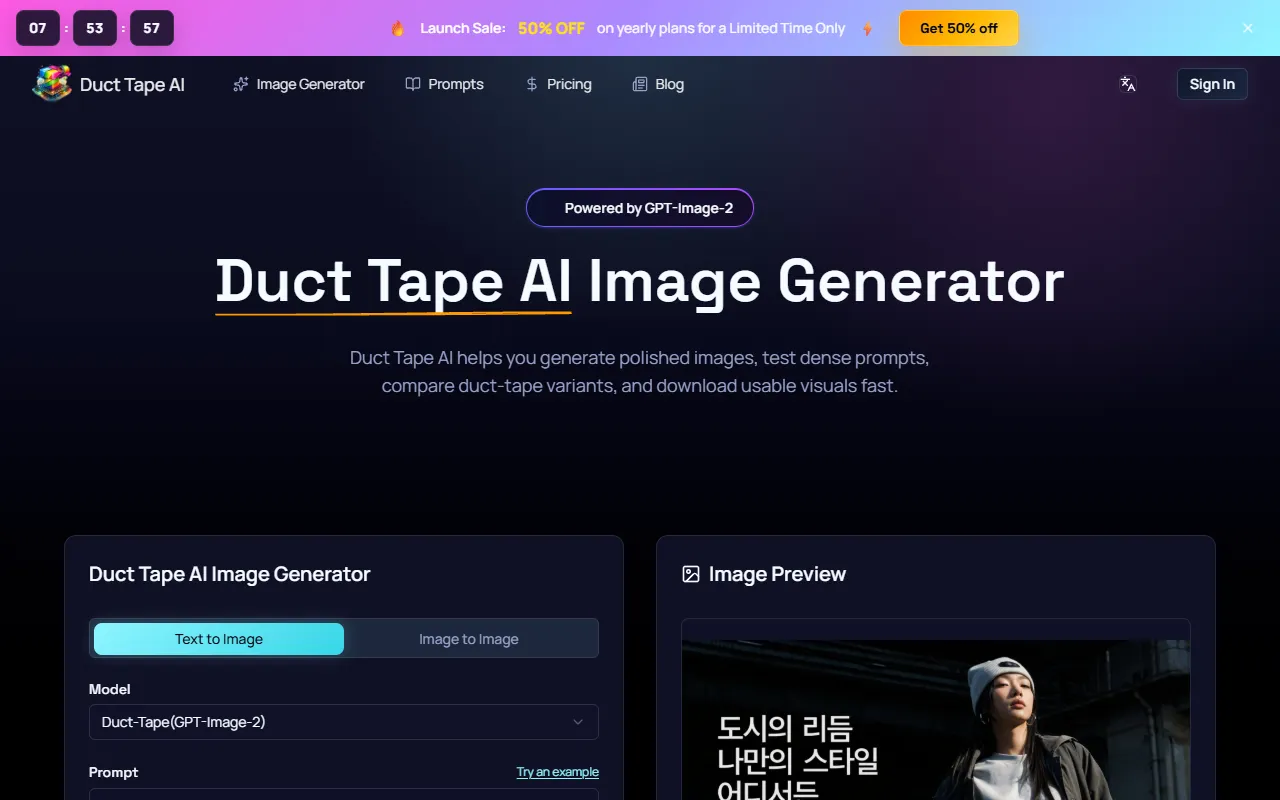
덕 테이프
AI Image GenerationDuct Tape AI delivers precise, flawlessly formatted text with unmatched layout and fidelity accuracy.
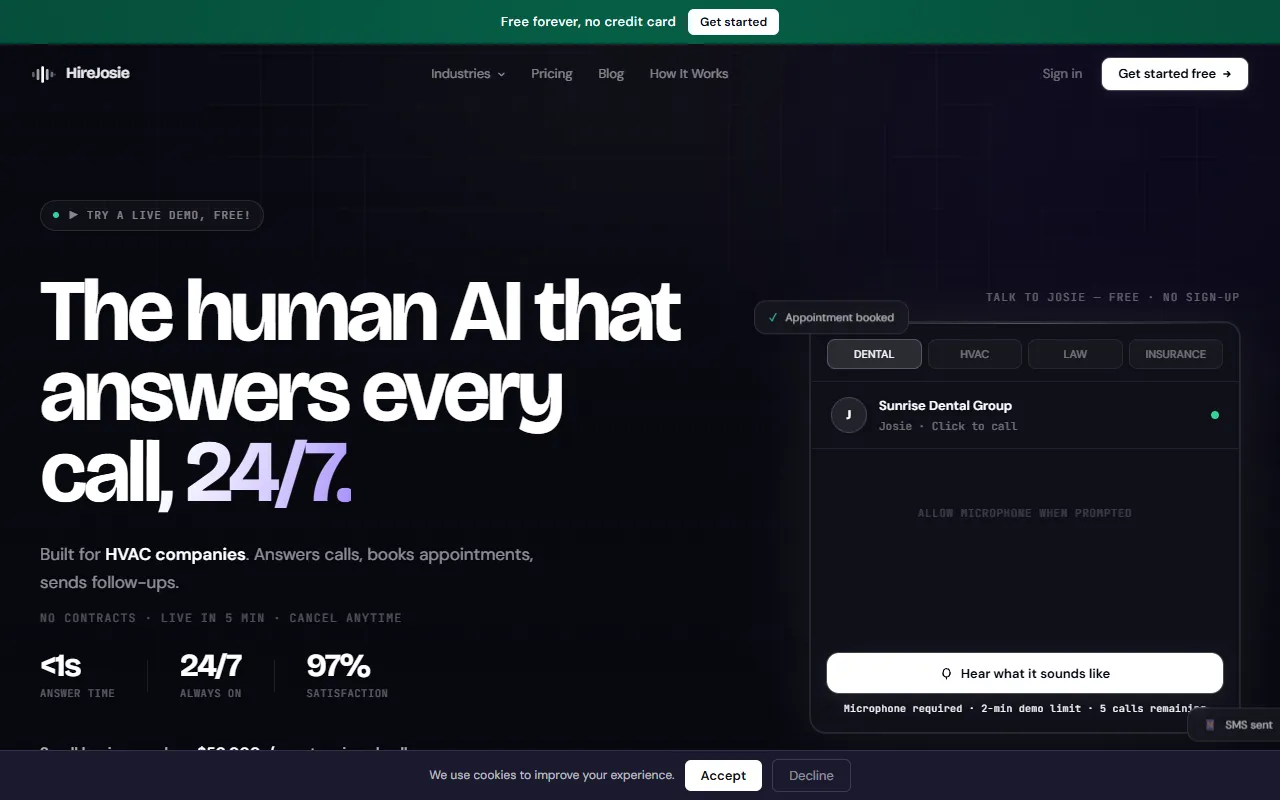
HireJosie
AI Customer SupportHireJosie: AI receptionist that answers calls instantly, books appointments, and boosts business efficiency.
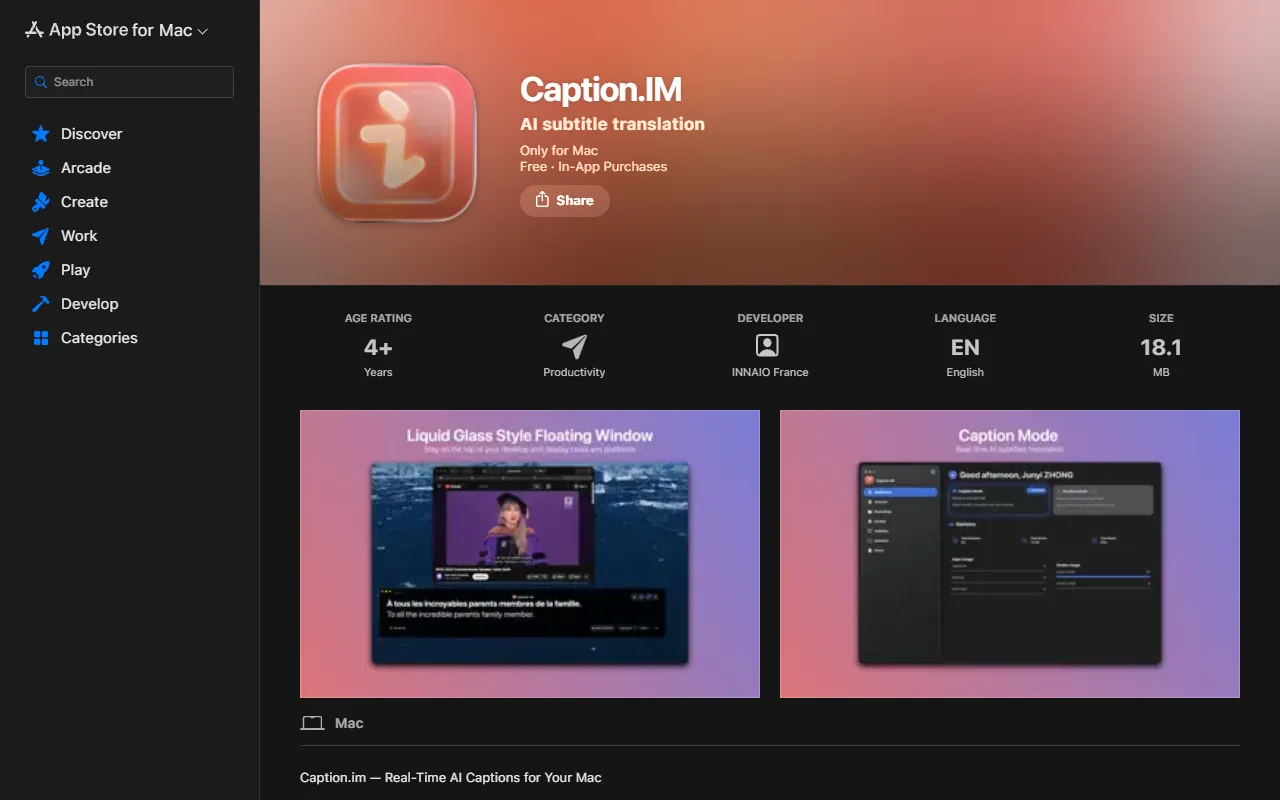
Caption.IM
AI ProductivityCaption.im auto-generates stylish animated subtitles, boosting video engagement, accessibility, and branding.
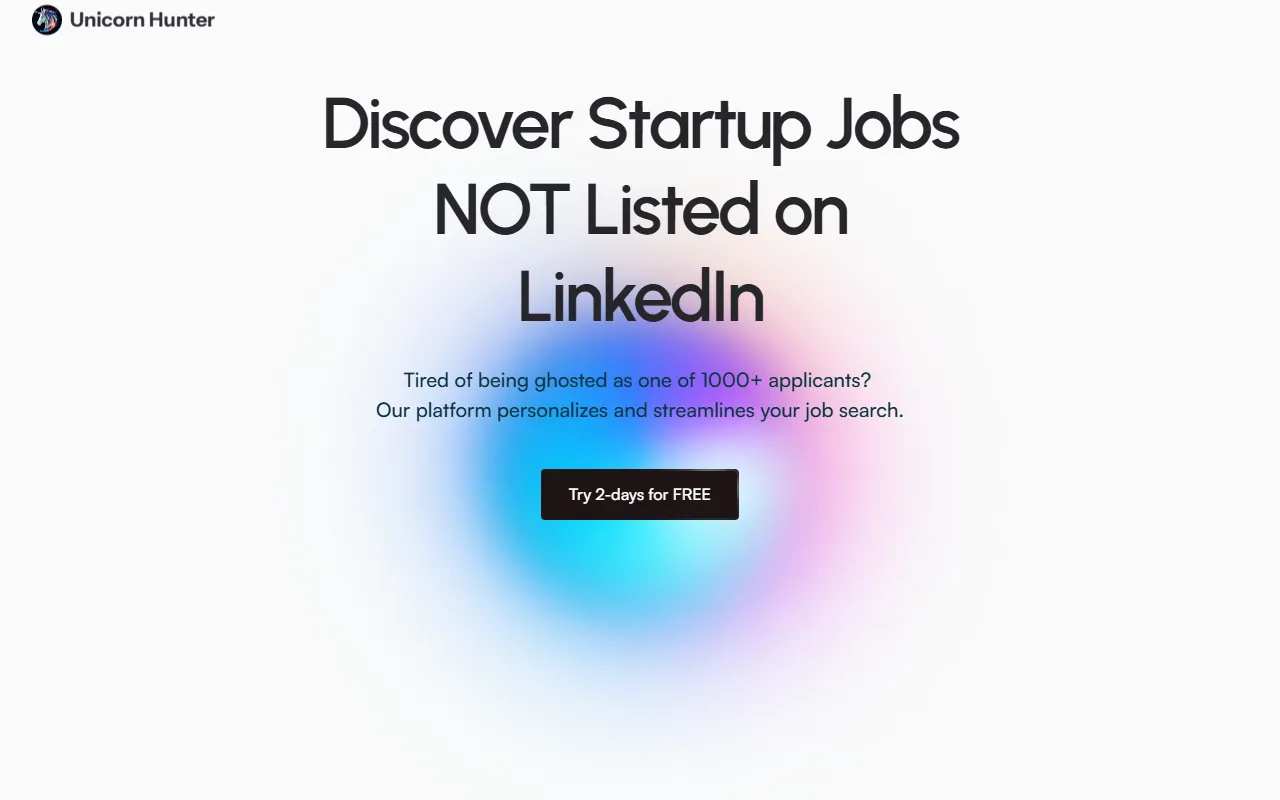
Unicorn Hunter
AI ProductivityAI-powered job platform delivering fresh startup roles daily, boosting interview and offer rates.
Get Your AI Tool
In Front of Thousands
Join hundreds of AI tools already featured on theWebrary. Get priority placement, a dedicated listing page, and reach an audience actively searching for AI tools.
1 Month
$5
$6
3 Months
$10
Save 50%
12 Months
$20
Save 75%