
Quick Take
AI-powered UX wireframe and user flow generator for designers and product teams.
Pricing
PaidTool Overview
Tags
What is UX Pilot?
UX Pilot is an AI-powered design tool that specializes in generating wireframes, user flows, sitemaps, and UI designs from text descriptions and prompts. The platform is designed specifically for UX designers, product managers, and design teams who need to quickly create visual representations of product concepts during the early stages of the design process. By automating the creation of foundational design artifacts, UX Pilot enables teams to move from concept to visual representation in minutes rather than hours, dramatically accelerating the ideation and planning phases of product development.
The tool focuses on the unique needs of the UX design workflow, which differs from general UI design in its emphasis on information architecture, user journey mapping, and structural planning. While many AI design tools focus on generating polished visual designs, UX Pilot concentrates on the wireframing and planning stages where designers define the structure, layout, and flow of a product before committing to visual styling decisions. This focus on the foundation of design rather than the finish means that UX Pilot's output is optimized for communication, iteration, and decision-making rather than pixel-perfect presentation.
UX Pilot integrates with the design tools that UX professionals already use, including Figma, allowing generated wireframes and flows to be imported into existing design workflows for refinement and elaboration. This integration-first approach means that UX Pilot supplements rather than replaces traditional design tools, serving as an AI-powered starting point that accelerates the most time-consuming early-stage activities. The platform has gained traction among design teams that need to rapidly explore multiple product concepts, validate ideas with stakeholders, and establish the structural foundation for detailed design work.
Key Features
AI Wireframe Generation: UX Pilot can generate detailed wireframes for web pages, mobile screens, and dashboard interfaces from text descriptions. Users describe the purpose of the page, the key elements it should contain, and any specific layout preferences, and the AI produces structured wireframes that follow UX best practices. The generated wireframes include appropriate component placement, visual hierarchy, and content areas that reflect real-world design patterns for the specified type of interface.
User Flow Creator: The platform generates user flow diagrams that map out the steps users take to complete tasks within a product. By describing a user goal or process, the AI creates visual flow diagrams showing screens, decision points, and navigation paths. These flows help teams visualize the complete user journey and identify potential pain points, unnecessary steps, or missing screens before committing to detailed design work.
Sitemap Generation: UX Pilot can create website and application sitemaps that define the information architecture and page hierarchy of a product. Users describe the type of website or application and its key sections, and the AI generates a structured sitemap that organizes content logically, following established information architecture principles. This feature is particularly useful during project planning and stakeholder alignment.
Figma Integration: Generated designs can be exported directly to Figma, where designers can refine, elaborate, and build upon the AI-generated foundations. The export maintains proper layer organization, component structure, and naming conventions that make it easy for designers to work with the output in their familiar environment. This seamless handoff from AI generation to manual refinement creates an efficient hybrid workflow.
Design Suggestions and Best Practices: Beyond generating designs, UX Pilot provides contextual suggestions and best practices guidance based on the type of interface being designed. The AI draws from established UX research and design pattern libraries to recommend component placements, navigation structures, and interaction patterns that have been proven effective for similar use cases, helping less experienced designers make informed decisions.
How It Works
Getting started with UX Pilot is straightforward, requiring no design skills or technical knowledge. Users begin by selecting the type of output they need, whether it is a wireframe, user flow, sitemap, or full UI design. They then provide a text description of what they want to create, including details about the product type, target audience, key features, and any specific requirements. The more context provided in the prompt, the more accurate and relevant the generated output will be.
After submitting the prompt, the AI processes the description and generates one or more design options within seconds. Users can review the generated designs, provide feedback through follow-up prompts to request modifications, and iterate until the output meets their needs. Common refinement requests include adjusting the layout structure, adding or removing specific components, changing the visual density, and modifying the content hierarchy. Each iteration builds on the previous version, maintaining consistency while incorporating the requested changes.
Once satisfied with the design, users can export it in various formats for use in their workflow. The Figma export option is the most popular for design teams, as it allows seamless continuation of the design process in the industry-standard tool. For stakeholder presentations and documentation, PDF and image exports are available. Teams typically use UX Pilot during the discovery and definition phases of a project, generating multiple concept variations quickly to facilitate discussion and alignment before investing in detailed design work. The generated wireframes serve as a starting point that reduces the blank canvas problem and gives designers a foundation to build upon.
Use Cases
Product Discovery and Ideation: Product teams use UX Pilot during discovery phases to quickly visualize multiple product concepts and feature ideas. By generating wireframes for different approaches in minutes, teams can evaluate more options, make better-informed decisions, and align stakeholders around a shared vision before investing significant design resources in detailed mockups.
Client Proposals and Pitches: Design agencies and freelancers use UX Pilot to create visual concepts for client proposals and project pitches. The ability to quickly generate professional wireframes and user flows allows consultants to include visual examples in their proposals, demonstrating their understanding of the client's needs and providing a tangible preview of the intended solution.
Developer Communication: Product managers and designers use UX Pilot-generated wireframes to communicate requirements to development teams. The structured wireframes provide a clear visual specification that reduces ambiguity and misinterpretation, serving as a bridge between written requirements and the final implemented product. This visual communication reduces back-and-forth and accelerates the development process.
Design Education and Learning: Students and junior designers use UX Pilot as a learning tool to understand how experienced designers approach different types of interfaces. By generating wireframes for various product types and studying the AI's layout decisions, component choices, and information architecture patterns, learners can accelerate their understanding of UX design principles and best practices.
Pricing
UX Pilot offers paid subscription plans designed for different usage levels. The pricing is typically structured around the number of AI generations available per month, with higher-tier plans providing more generations, access to advanced features, and team collaboration capabilities. Entry-level plans cater to individual designers and freelancers who need occasional AI assistance, while professional and team plans are designed for design teams that want to integrate AI generation into their regular workflow. Enterprise plans offer custom pricing with additional features like brand customization, dedicated support, and advanced security controls. Users should visit the UX Pilot website for the most current pricing details, as plans and features are regularly updated as the platform evolves.
Pros and Cons
Pros:
Purpose-built for UX design workflows with a focus on wireframes, user flows, and sitemaps rather than just visual UI design, making it uniquely useful during the early, structural phases of the design process where other AI tools provide less value.
Figma integration ensures generated designs fit seamlessly into existing professional design workflows, functioning as an accelerator within established processes rather than requiring teams to adopt an entirely new toolchain.
Significant time savings in the early design phases where creating wireframes and user flows from scratch is traditionally labor-intensive, allowing designers to focus their creative energy on solving unique problems rather than drawing standard components.
Cons:
Generated wireframes may follow common patterns that work well for standard interfaces but may not capture the innovative or unconventional approaches that distinguish breakthrough products, potentially limiting creative exploration.
The quality of output is highly dependent on the quality of input prompts, and users who struggle to articulate their design requirements in text form may find the results less useful than those who can provide detailed, specific descriptions.
Who Is It Best For?
UX Pilot is best suited for UX designers, product managers, and design teams who need to quickly create wireframes, user flows, and structural designs during the early phases of product development. It is particularly valuable for design agencies that need to produce concepts for client proposals quickly, product managers who want to communicate ideas visually without waiting for designer availability, and freelance designers who need to work efficiently across multiple projects. Teams that are exploring multiple product directions and need to compare different structural approaches will find UX Pilot's rapid generation capabilities especially useful for facilitating informed decision-making.
Why Choose UX Pilot?
UX Pilot stands out by focusing specifically on the UX design workflow where AI can provide the most value: the early, structural phases where wireframes and user flows establish the foundation for everything that follows. While other AI design tools focus on generating polished visual designs, UX Pilot concentrates on the planning and architecture stages that determine whether a product will be intuitive and effective for its users. For design professionals who want to accelerate the most time-consuming parts of their workflow while maintaining creative control over the detailed design decisions that truly matter, UX Pilot provides a specialized tool that understands and supports the unique demands of user experience design.
ADVERTISEMENT
728 x 90
Browse More Tools
View all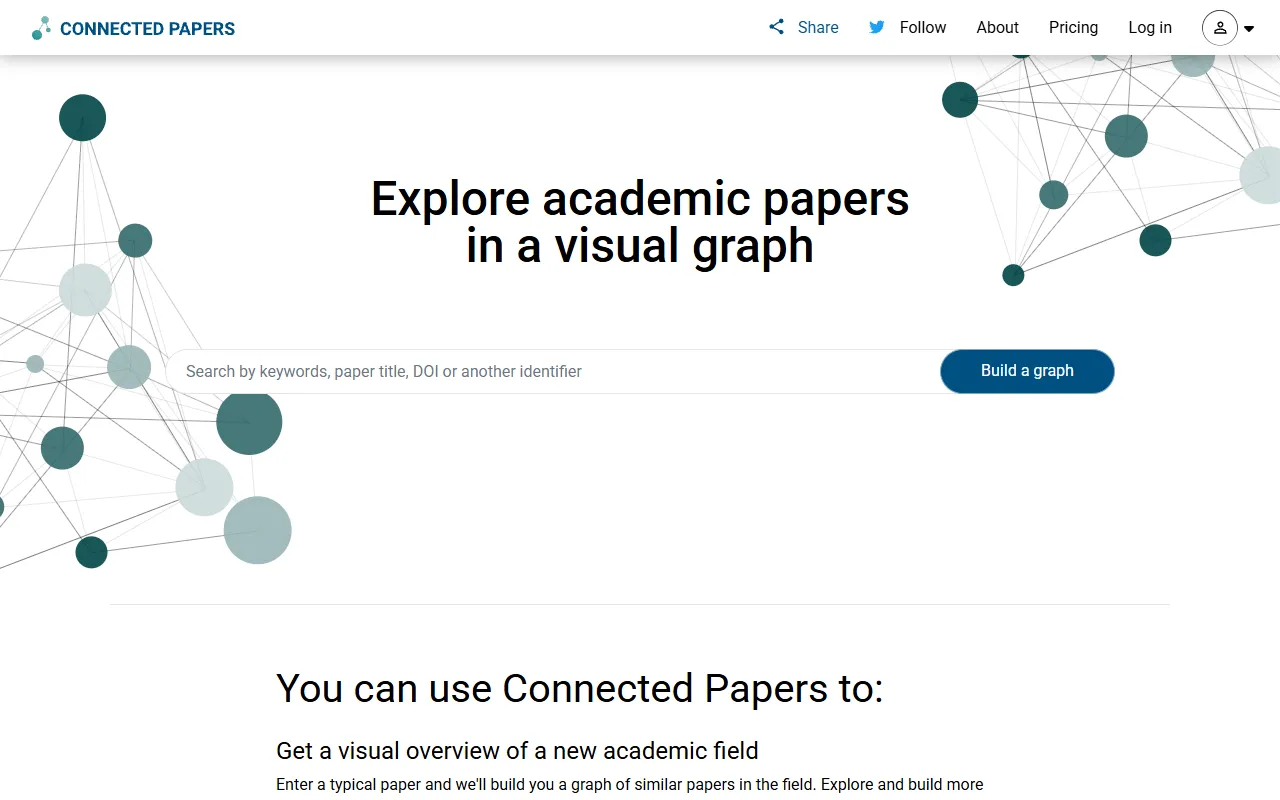
Connected Papers
Research ToolsVisual tool for exploring academic paper connections and building literature graphs.
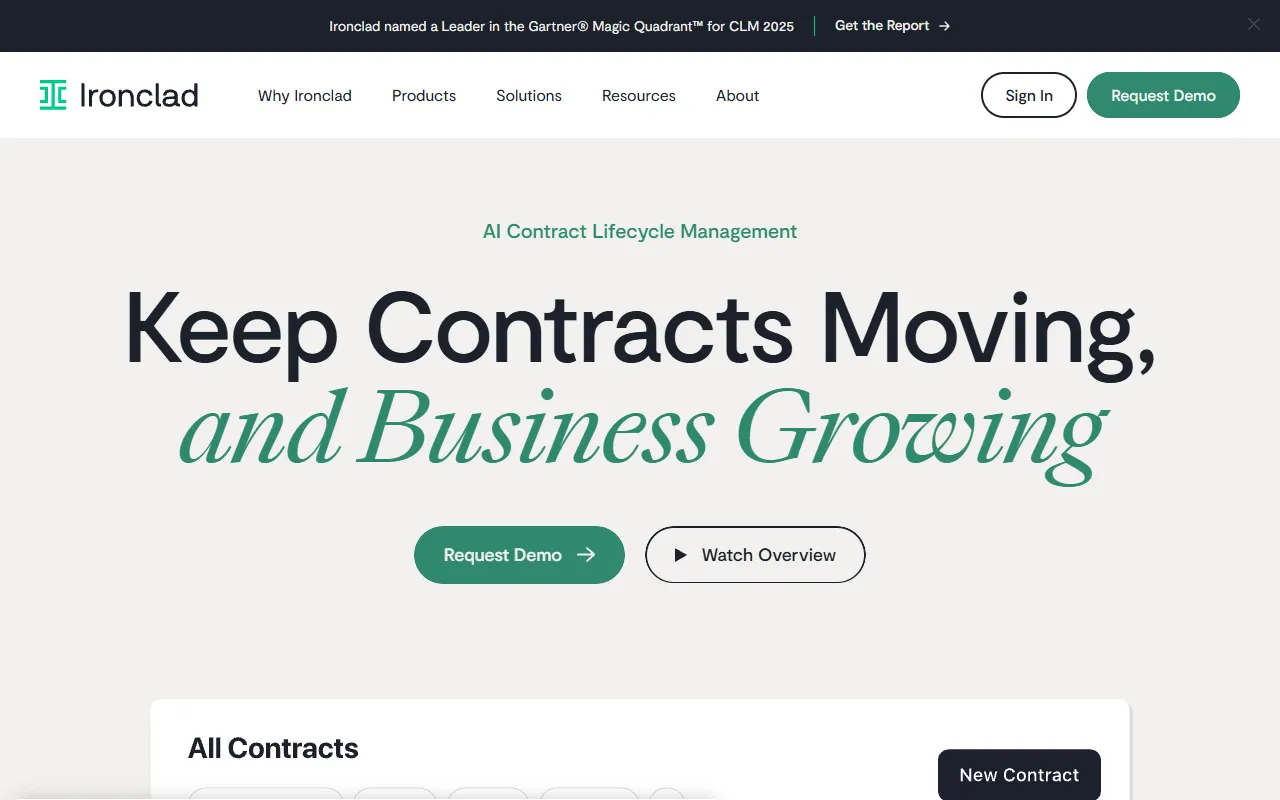

Ironclad
Legal AIAI-powered contract lifecycle management platform for enterprise legal teams.
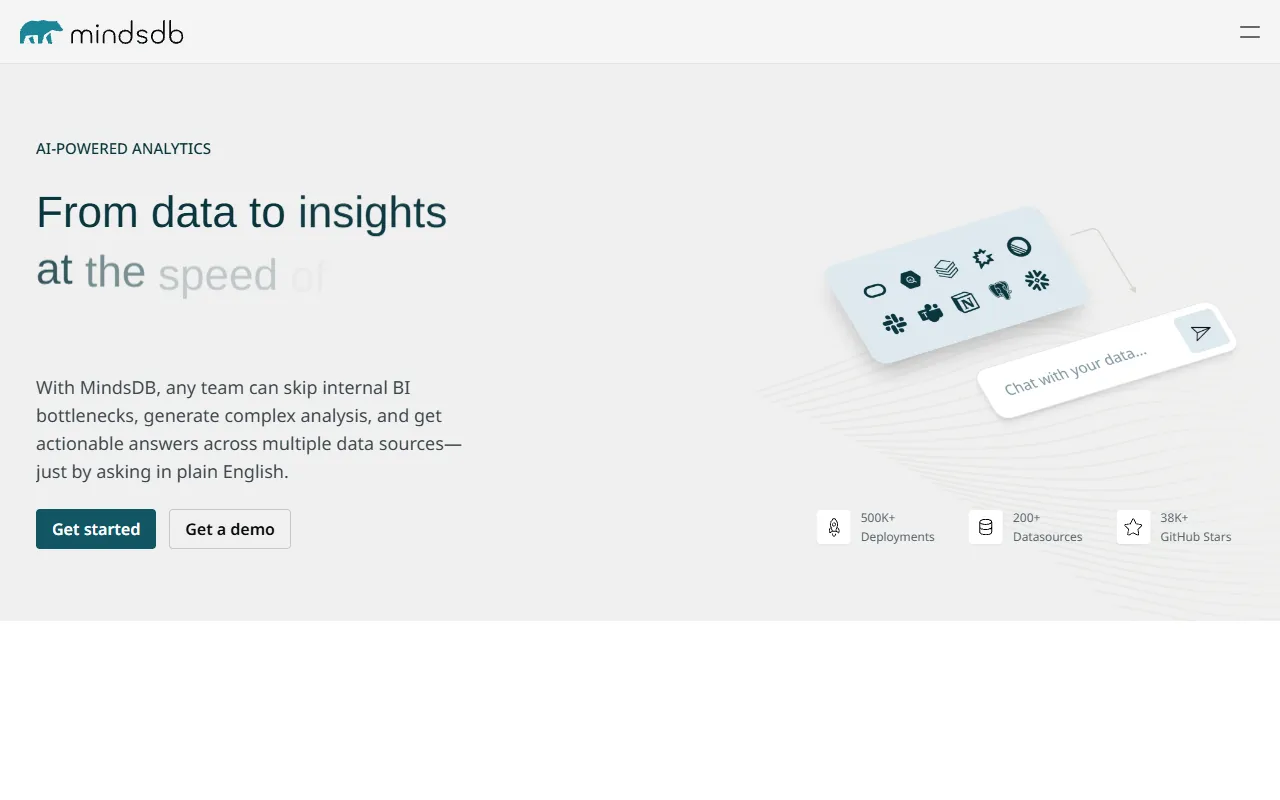
MindsDB
Data AnalyticsAI platform that brings machine learning directly into your existing databases.
AI Shirt Design Generator - YupTees
AI Image GenerationYupTees: AI-powered T-shirt design generator for fast, easy, and scalable print-on-demand creations.
Claude
AI AssistantsAnthropic's AI assistant known for thoughtful, nuanced responses, strong reasoning capabilities, and a focus on safety and helpfulness.
AlphaFold
Science AIDeepMind AI system that predicts 3D protein structures with remarkable accuracy.

Cursor
Code AssistantsAn AI-first code editor built on VS Code that integrates AI deeply into every aspect of the coding experience, from writing to debugging.
ChatGPT
AI AssistantsOpenAI's conversational AI assistant capable of generating text, answering questions, writing code, and assisting with a wide range of tasks.

Claid.ai
Image EditingAI product photo editing with automated background removal, upscaling, and enhancement.