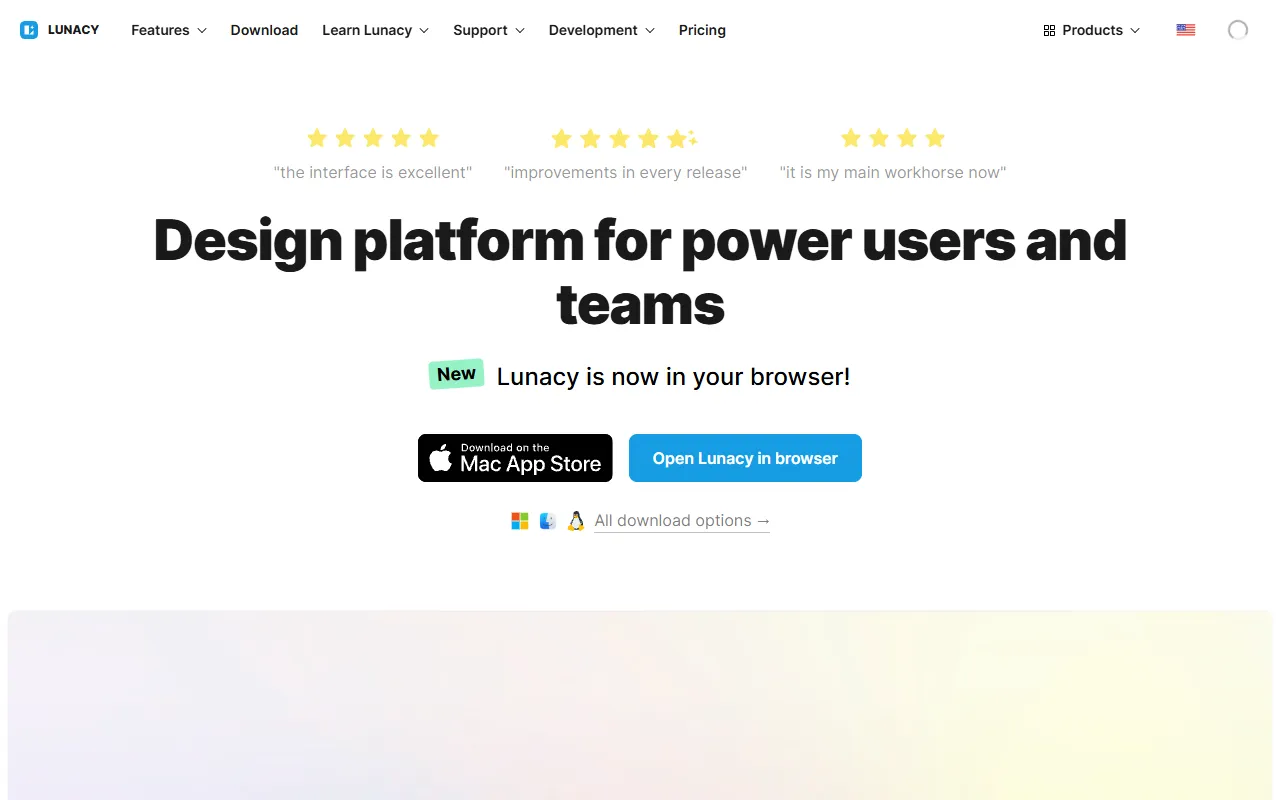
Quick Take
Free AI-powered graphic design tool by Icons8 with built-in assets and AI features.
Pricing
FreeTool Overview
Tags
What is Lunacy?
Lunacy is a free graphic design application developed by Icons8 that combines professional-grade vector design capabilities with built-in AI-powered features including AI-generated images, backgrounds, text, and design assets. Originally launched in 2017 as a lightweight alternative to Sketch for Windows users, Lunacy has evolved into a cross-platform design tool available on Windows, macOS, and Linux that offers capabilities rivaling paid competitors while maintaining a completely free pricing model for its core features.
What distinguishes Lunacy from other free design tools is its integration of AI features directly into the design workflow and its bundled access to Icons8's extensive library of icons, photos, and illustrations. While designers using other tools typically need to switch between their design application and separate stock asset services, Lunacy provides drag-and-drop access to millions of design assets within the same interface. The AI capabilities extend this further by allowing designers to generate custom images, remove backgrounds, upscale low-resolution graphics, and create placeholder text that matches the context of their designs.
Lunacy's development by Icons8, a company that has been providing design assets since 2011, gives it a unique perspective on the challenges designers face daily. The team has built the tool to address specific pain points they observed in the design community: the high cost of professional design software, the need to juggle multiple tools and asset services, the time wasted on repetitive tasks like background removal and image resizing, and the challenge of maintaining consistency across design projects. By bundling solutions to all these problems into a single free application, Lunacy has carved out a distinctive position in the design tool market.
Key Features
AI Image Generation: Lunacy includes built-in AI image generation that creates custom visuals directly within the design canvas. Designers can describe the image they need in natural language and receive AI-generated graphics that can be immediately incorporated into their designs. This eliminates the need to search through stock photo libraries or wait for custom illustration work, enabling designers to quickly visualize concepts and create placeholder or final artwork on demand.
Built-in Design Assets: The application provides direct access to Icons8's extensive library of over 1.7 million icons, thousands of high-resolution photos, hundreds of illustrations, and numerous UI kits. These assets are available through a searchable panel within the application and can be dragged directly onto the canvas. Low-resolution versions are free to use, while high-resolution exports are available through Icons8 subscription. The integration saves significant time compared to the workflow of searching external asset sites and importing files.
AI Background Removal: Lunacy's built-in background removal tool uses AI to automatically detect and remove backgrounds from photos and images with a single click. The results are impressively accurate for most subjects, handling complex edges like hair and transparent objects well. This feature eliminates the need for external background removal tools or painstaking manual masking, streamlining one of the most common tasks in graphic design work.
Cross-Platform Compatibility: Unlike many design tools that are limited to a single operating system, Lunacy runs natively on Windows, macOS, and Linux. The application is designed to be lightweight and performant across all platforms, with a relatively small installation footprint and fast startup times. Design files are compatible across platforms, enabling cross-platform teams to collaborate seamlessly without compatibility issues.
Sketch and Figma Compatibility: Lunacy can open, edit, and save Sketch files natively, making it the primary free option for working with Sketch format designs on Windows and Linux. The application also supports importing Figma files, providing flexibility for designers who need to work with designs created in other tools. This compatibility ensures that Lunacy can fit into existing design workflows without requiring teams to abandon their current file formats.
How It Works
Lunacy is a desktop application that is downloaded and installed on the user's computer, with versions available for all major operating systems. The installation is lightweight compared to many design tools, and the application launches quickly without the resource overhead common in heavier design software. Upon first launch, users are presented with a familiar design interface featuring a canvas workspace, layers panel, properties inspector, and toolbar that will feel immediately comfortable to anyone who has used Sketch, Figma, or similar design tools.
The design workflow in Lunacy follows standard vector design patterns: creating artboards to represent screens or design deliverables, drawing shapes and adding text using vector tools, applying styles including fills, strokes, shadows, and blurs, and organizing elements using layers and groups. The AI features are accessible through dedicated panels and context menu options, making them discoverable but not intrusive. For example, right-clicking on an image offers the option to remove its background, the assets panel provides search access to Icons8 libraries, and the AI text generator is accessible when placing text elements.
For team collaboration, Lunacy supports cloud synchronization that allows team members to access shared design files. While the collaboration features are not as real-time as Figma's browser-based approach, the cloud storage and sharing capabilities provide a workable team workflow for most design teams. Designs can be exported in various formats including PNG, SVG, PDF, and JPEG, with support for multiple export scales and custom export settings. The code inspection mode provides CSS and other platform-specific code values that help developers translate designs into implemented interfaces.
Use Cases
UI and Web Design: Designers use Lunacy as their primary interface design tool for creating website layouts, mobile app screens, and web application interfaces. The built-in UI kits provide ready-made components for iOS, Android, and web platforms, while the icon and illustration libraries supply the visual assets needed to create complete, polished designs without leaving the application.
Social Media Graphics: Content creators and social media managers use Lunacy to design social media posts, stories, banners, and advertisements. The AI image generation feature is particularly useful for creating custom visuals for social content, while the template library provides starting points for common social media formats that can be customized with brand-specific content and styling.
Startup and Small Business Design: Startups and small businesses that cannot afford expensive design tool subscriptions use Lunacy as their primary design application for everything from logo design and marketing materials to product interface design and presentation graphics. The free pricing model means even bootstrapped companies can access professional-grade design capabilities.
Cross-Platform Design Teams: Teams with members using different operating systems leverage Lunacy's cross-platform compatibility to maintain a consistent design environment across Windows, macOS, and Linux workstations. This is particularly relevant for open-source projects and organizations that support employee choice in operating system selection.
Pricing
Lunacy's core design application is completely free with no feature restrictions, no watermarks, and no time limits. All vector design tools, AI background removal, the code inspector, and basic asset access are included at no cost. The AI image generation feature provides a number of free generations with options for additional credits. High-resolution asset exports from the Icons8 library require a separate Icons8 subscription, though low-resolution versions are available for free within Lunacy. The Icons8 subscription that unlocks high-resolution assets and additional features starts at around $13 per month for individuals, with team and enterprise plans available at higher tiers. This pricing model means designers can use Lunacy's full design capabilities for free and only pay if they want high-resolution access to the Icons8 asset library.
Pros and Cons
Pros:
Completely free professional-grade design tool with no hidden limitations, providing capabilities that genuinely rival paid competitors for the vast majority of design tasks and workflows.
Built-in AI features including image generation and background removal are integrated directly into the design workflow, eliminating the need for separate tools and streamlining common design tasks.
True cross-platform support for Windows, macOS, and Linux with native performance on each operating system, making it the most accessible professional design tool available for users on any platform.
Cons:
Real-time collaboration features are less developed than Figma's browser-based approach, which may be a significant limitation for distributed teams that rely heavily on simultaneous collaborative design sessions.
The tight integration with Icons8 assets, while convenient, means that designers who want high-resolution exports need a separate Icons8 subscription, adding a cost that may not be immediately obvious to new users.
Who Is It Best For?
Lunacy is best suited for individual designers, freelancers, students, and small teams who need professional design capabilities without the cost of premium design tool subscriptions. Windows and Linux users who have been excluded from Mac-only tools like Sketch will find Lunacy particularly valuable. Startups and small businesses that need to stretch their budgets will appreciate getting professional-grade design tools for free. Designers who frequently need stock assets like icons, photos, and illustrations benefit from the integrated Icons8 library that eliminates the friction of searching and importing from external sources. Content creators who need quick AI-generated images and background removal for social media and marketing materials will find these built-in features significantly streamline their workflow.
Why Choose Lunacy?
Lunacy offers a remarkable proposition in the design tool market: professional-grade design capabilities with integrated AI features and a massive asset library, all at no cost. While the free price point might suggest compromised quality, Lunacy delivers a genuinely competitive design experience that handles the vast majority of professional design tasks with ease. The combination of powerful vector design tools, AI-powered features, built-in asset access, and cross-platform compatibility creates a design environment that is not just a budget alternative but a compelling choice on its own merits. For anyone looking for a capable, modern design tool without the subscription burden, Lunacy proves that professional design software does not need to come with a professional price tag.
ADVERTISEMENT
728 x 90
Browse More Tools
View all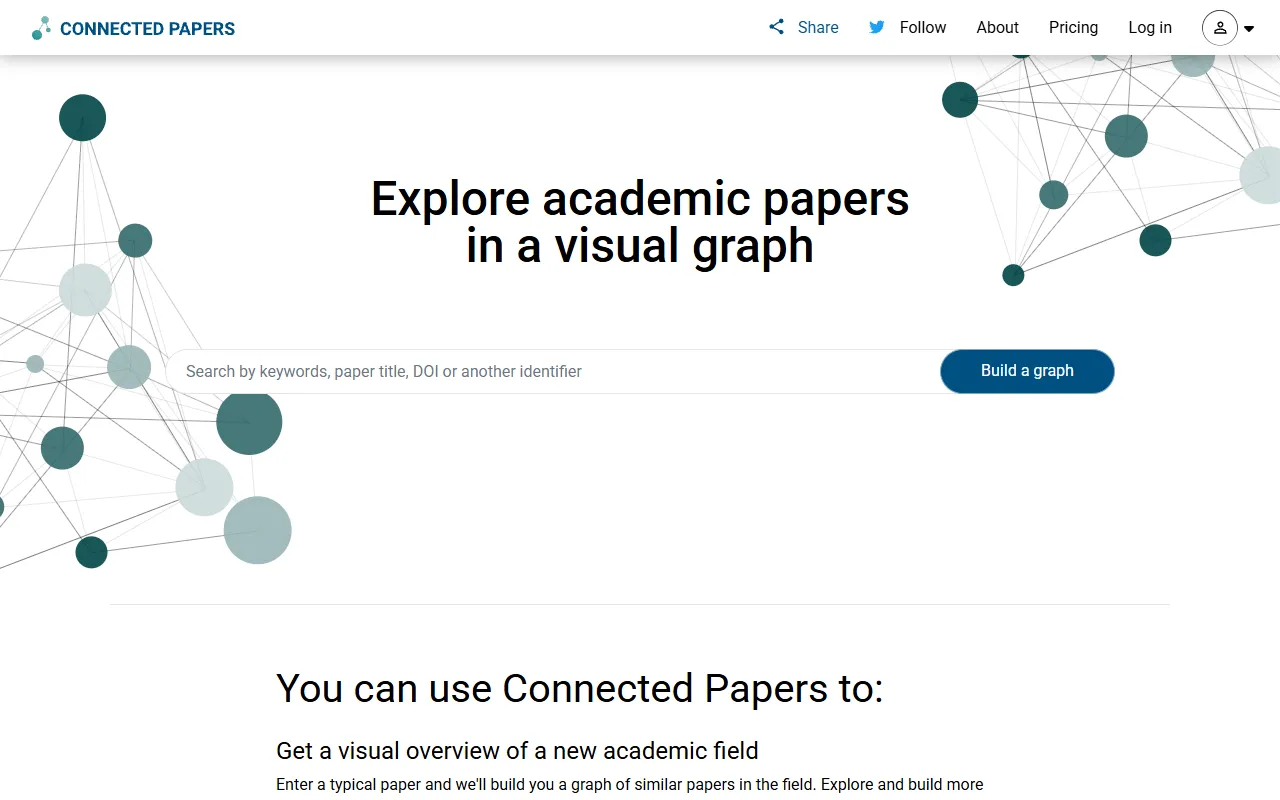
Connected Papers
Research ToolsVisual tool for exploring academic paper connections and building literature graphs.


Ironclad
Legal AIAI-powered contract lifecycle management platform for enterprise legal teams.
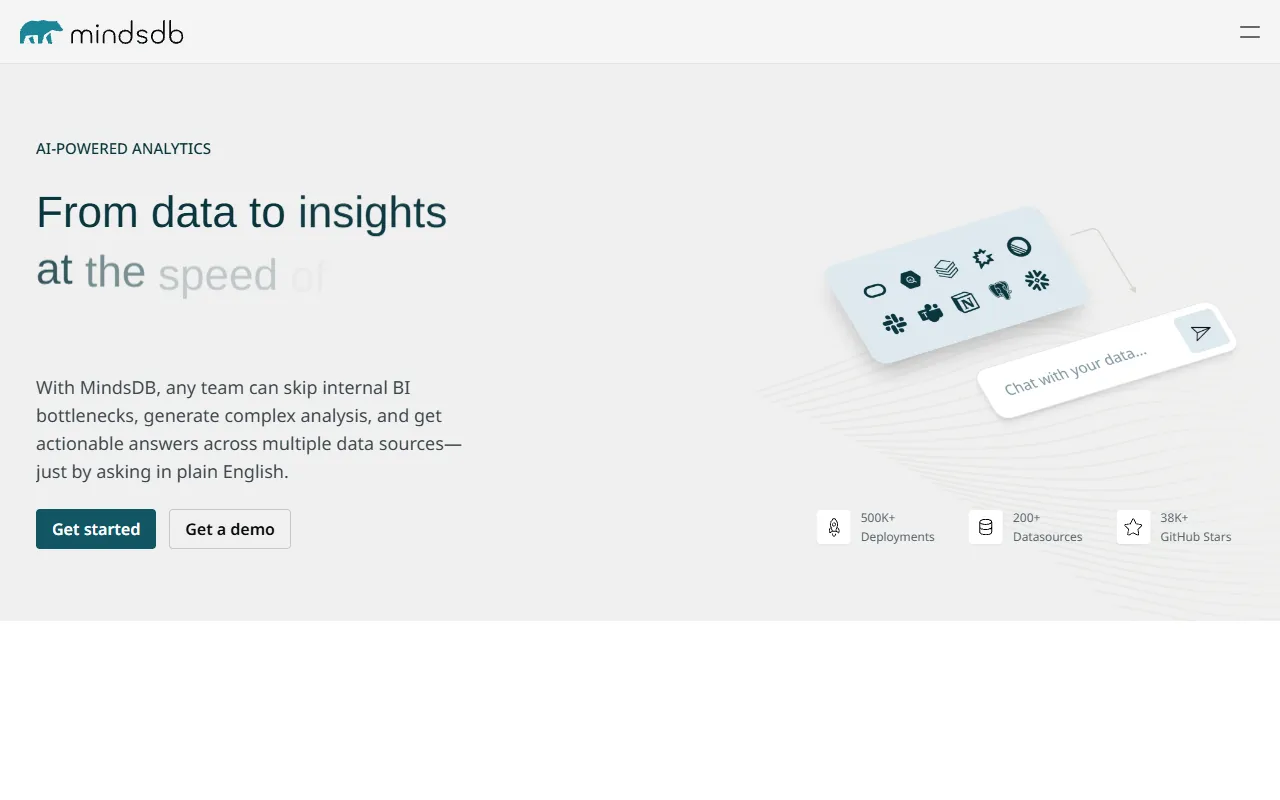
MindsDB
Data AnalyticsAI platform that brings machine learning directly into your existing databases.
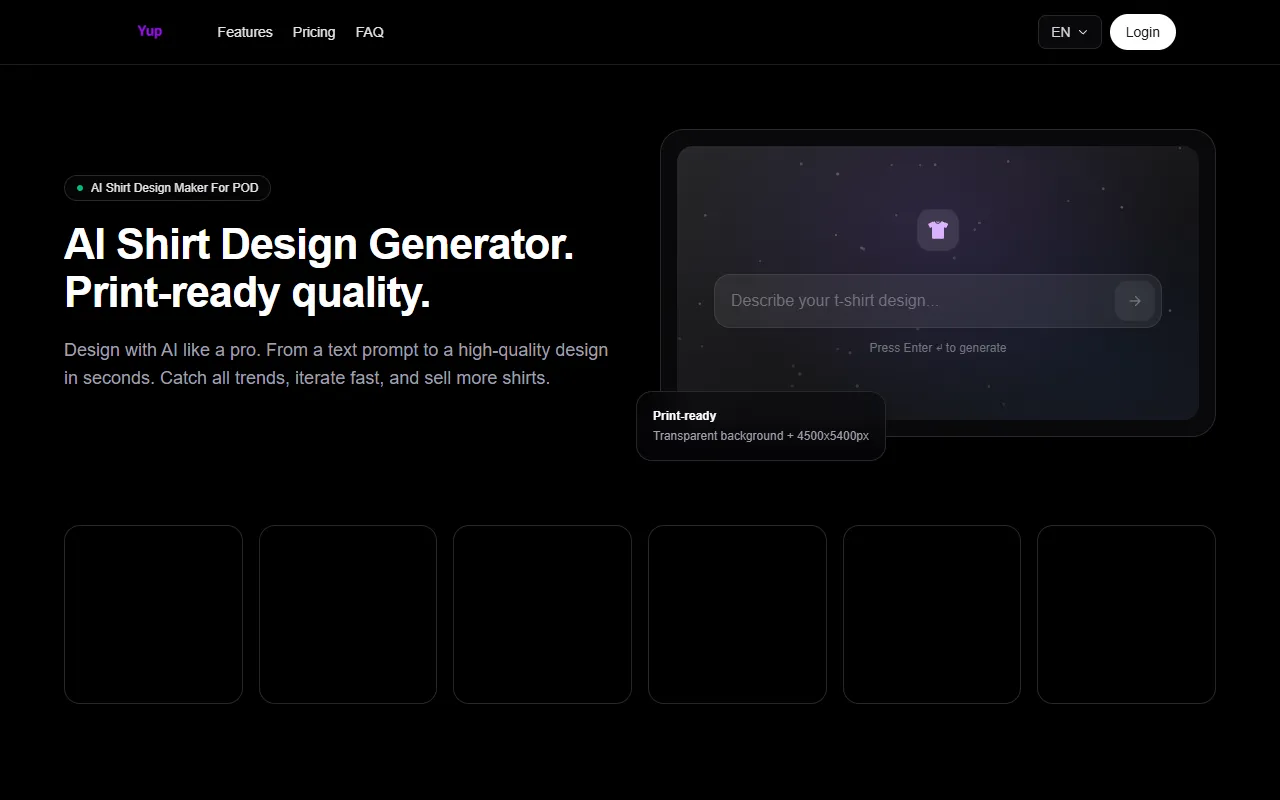
AI Shirt Design Generator - YupTees
AI Image GenerationYupTees: AI-powered T-shirt design generator for fast, easy, and scalable print-on-demand creations.
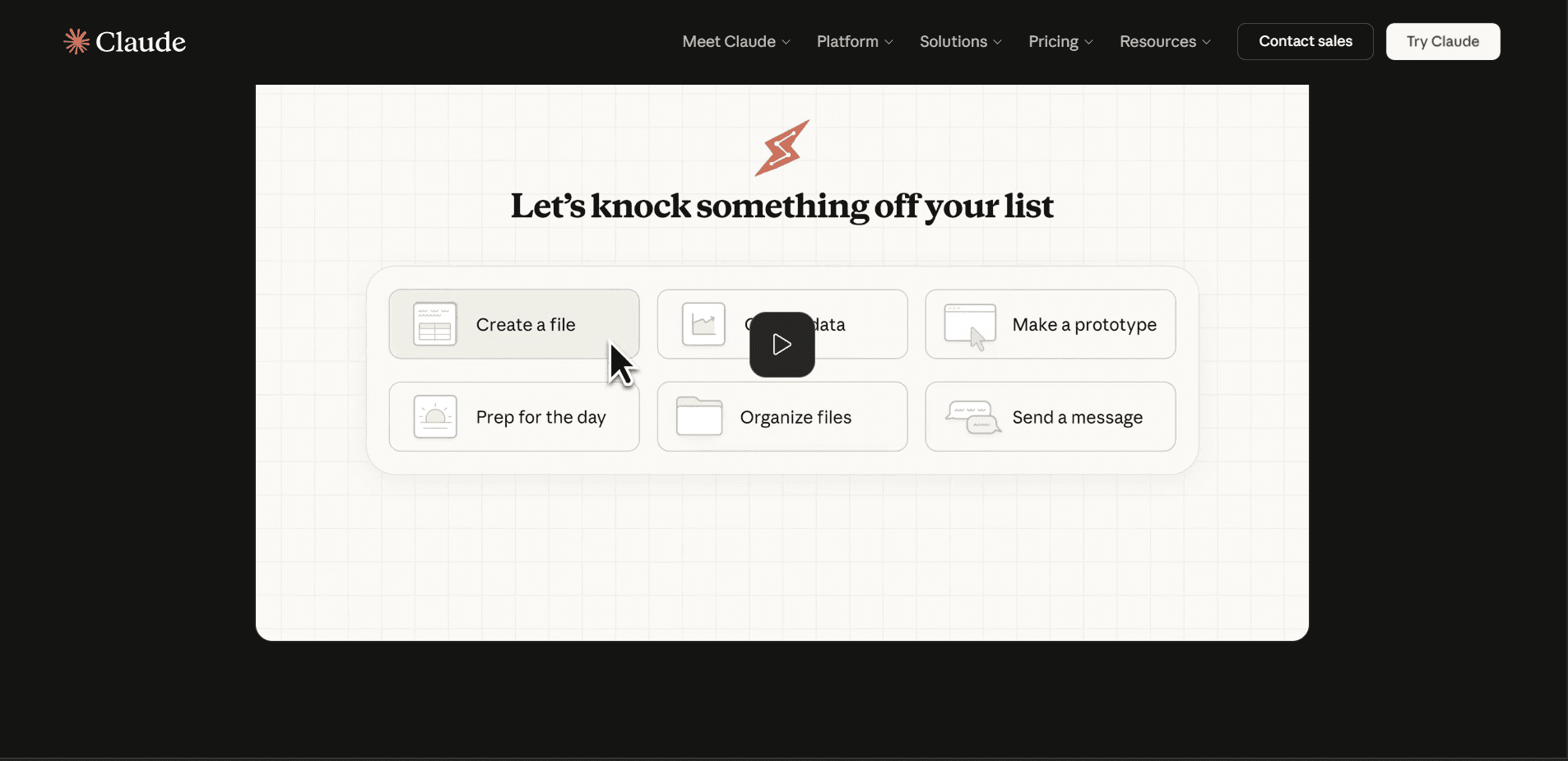
Claude
AI AssistantsAnthropic's AI assistant known for thoughtful, nuanced responses, strong reasoning capabilities, and a focus on safety and helpfulness.
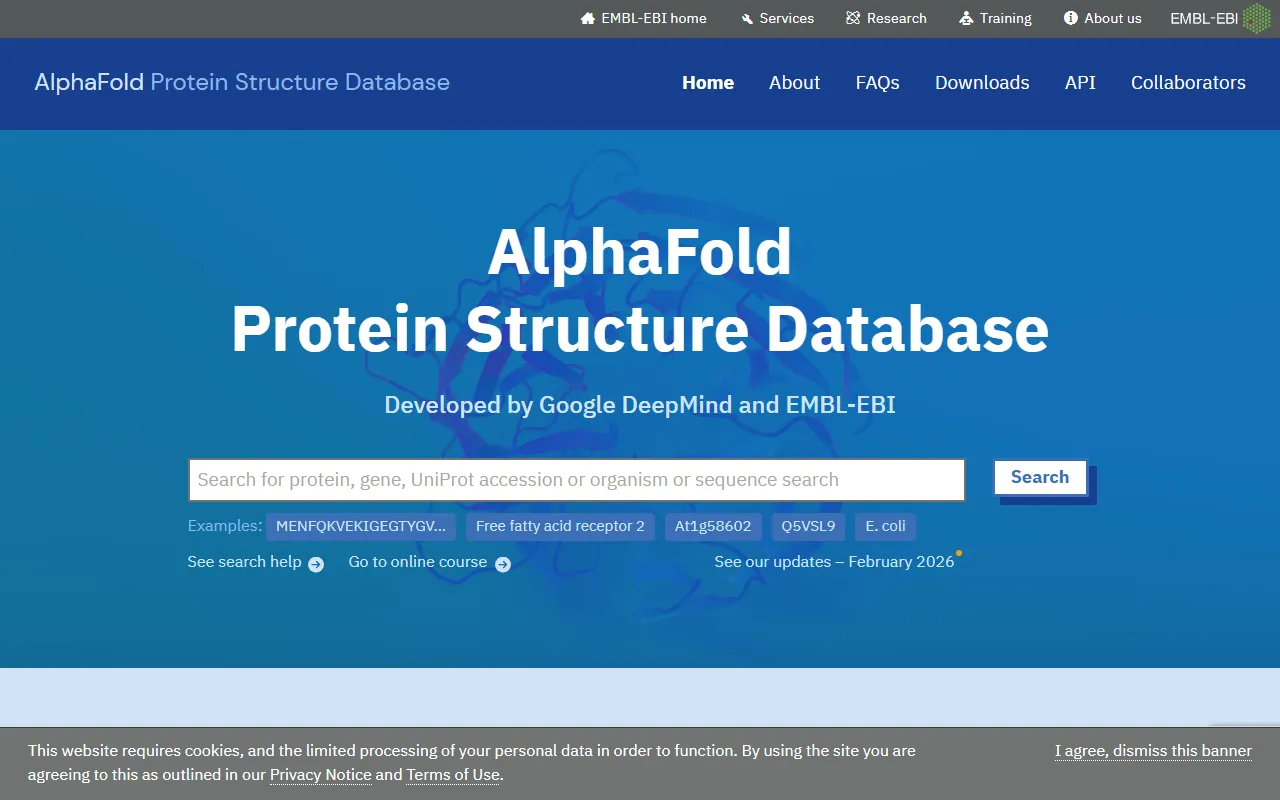
AlphaFold
Science AIDeepMind AI system that predicts 3D protein structures with remarkable accuracy.

Cursor
Code AssistantsAn AI-first code editor built on VS Code that integrates AI deeply into every aspect of the coding experience, from writing to debugging.
ChatGPT
AI AssistantsOpenAI's conversational AI assistant capable of generating text, answering questions, writing code, and assisting with a wide range of tasks.

Claid.ai
Image EditingAI product photo editing with automated background removal, upscaling, and enhancement.