Quick Take
AI email client with smart inbox, intelligent search, and scheduling features.
Pricing
FreemiumTool Overview
Tags

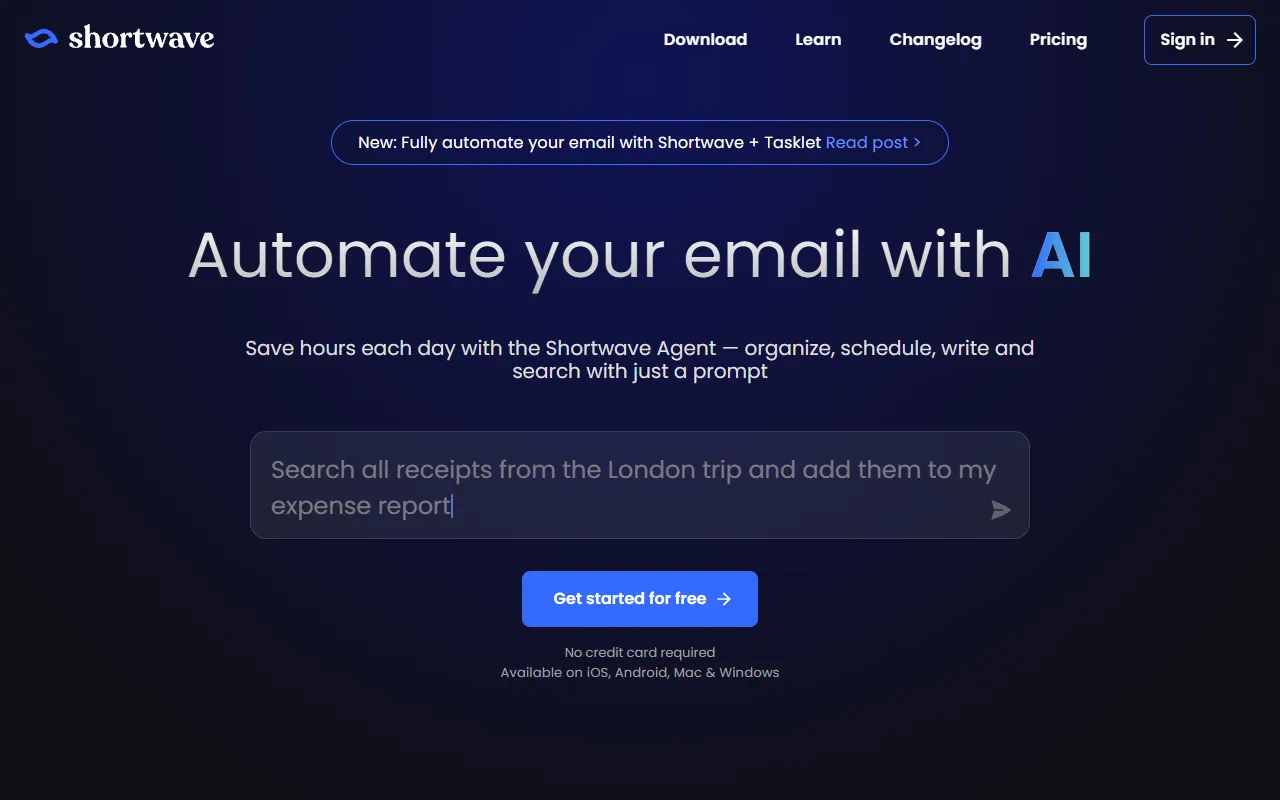
What is Shortwave?
Shortwave is an AI-powered email client that reimagines how professionals interact with their inbox by combining a clean, modern interface with advanced artificial intelligence capabilities. Founded by former Google engineers who previously worked on Gmail and Google Inbox, Shortwave was created to bring the best ideas from Google Inbox, which was discontinued in 2019, into a new email experience enhanced with the latest AI technology. The result is an email client that feels familiar to Gmail users but adds powerful AI features for composing emails, searching through conversations, summarizing threads, and managing inbox organization automatically.
The core philosophy behind Shortwave is that email should work for you, not the other way around. Traditional email clients present an endless stream of messages that require constant manual attention for sorting, reading, and responding. Shortwave uses AI to intelligently organize your inbox into categories, summarize long email threads so you can catch up quickly, draft responses that match your writing style, and surface the messages that need your attention most. This AI-driven approach transforms email from a passive repository of messages into an active productivity tool that helps you process communications more efficiently.
Shortwave works with Gmail accounts and uses the Gmail API to sync your email, which means you get all the benefits of Gmail infrastructure, including spam filtering and security, combined with a superior front-end experience powered by AI. The platform is available as a web application and desktop apps for Mac and Windows, with mobile apps for iOS and Android. Despite being a relatively new player in the email client space, Shortwave has quickly built a reputation among productivity enthusiasts and knowledge workers who spend significant portions of their day managing email and want a smarter, faster way to handle their communications.
Key Features
AI Email Assistant: Shortwave AI assistant can compose emails from brief instructions, reply to messages in your personal writing style, translate emails into different languages, and adjust the tone and length of drafts. You can simply tell the AI what you want to say, and it generates a polished email that sounds like you wrote it yourself, saving significant time on routine email composition tasks.
AI-Powered Email Search: Instead of searching by keywords, Shortwave allows you to search your email using natural language questions. You can ask things like what was the budget number Sarah mentioned last week or find the attachment John sent about the marketing plan, and the AI understands the intent behind your query and returns the most relevant results from your email history.
Thread Summaries: Long email threads with dozens of messages can be instantly summarized by the AI, providing a concise overview of the conversation including key decisions, action items, and the current status. This feature is invaluable for catching up on discussions you have been copied on but have not had time to read through in their entirety.
Smart Inbox Organization: Shortwave automatically organizes your inbox by grouping related messages, categorizing emails by type such as newsletters, notifications, and personal messages, and bundling similar items together. This intelligent organization reduces visual clutter and helps you focus on the emails that actually require your attention and response.
Channels and Team Communication: Shortwave introduces a concept called Channels, which allows teams to communicate within the email client in a more organized way than traditional email threads. Channels combine the familiarity of email with the organizational benefits of chat platforms like Slack, providing a structured space for team discussions that stays within the email ecosystem.
How It Works
Getting started with Shortwave involves connecting your Gmail account through standard Google OAuth authentication. The platform syncs your email history and begins organizing your inbox using AI. The initial sync may take some time depending on the size of your email archive, but once complete, you have a fully organized inbox with messages categorized and grouped intelligently. The interface is clean and modern, with a focus on readability and efficient navigation that will feel immediately comfortable to anyone who has used a modern email or messaging application.
The AI features are accessible throughout the interface. When composing a new email or reply, you can invoke the AI assistant to help draft the message. When viewing a long thread, a summarize button provides an instant overview. The search bar accepts natural language queries, making it easy to find specific emails without remembering exact keywords or sender names. The inbox organization happens automatically in the background, learning your preferences over time and becoming more accurate at categorizing and prioritizing your emails.
Shortwave also supports productivity features like snoozing emails to resurface them later, setting reminders for follow-ups, scheduling emails to be sent at specific times, and marking items as done to move them out of your inbox. These features combine with the AI capabilities to create a comprehensive email management system that helps you maintain inbox zero without the constant manual effort that traditional email clients require to stay organized and responsive.
Use Cases
Executive Email Management: Busy executives who receive hundreds of emails daily can use Shortwave AI to quickly summarize threads, draft responses, prioritize messages, and ensure important communications do not get buried under the volume of incoming mail.
Customer-Facing Communication: Professionals who communicate frequently with clients via email can use the AI drafting feature to compose professional responses quickly, maintain consistent tone and quality across all client communications, and search through email history efficiently when referencing past conversations.
Information Retrieval: Knowledge workers who need to frequently find information shared via email, such as project details, budget numbers, or meeting notes, can use natural language search to locate specific pieces of information across their entire email archive without remembering exact terms or dates.
Team Collaboration: Small teams that rely heavily on email for internal communication can use Channels to organize team discussions more effectively, reducing the chaos of long cc chains and reply-all threads while keeping all communication within the email ecosystem.
Pricing
Shortwave offers a freemium pricing model. The Free plan provides the core email client experience with limited AI features, including a set number of AI actions per month for composition, summarization, and search. The Personal plan, typically around $7 per month, increases the AI usage limits and adds features like scheduled send, email tracking, and advanced organization options. The Pro plan, around $14 per month, provides unlimited AI usage, priority support, and access to the most advanced AI features. A Business plan is available for teams and adds shared channels, admin controls, and team management features. All plans work with Gmail accounts, and the pricing reflects the AI processing costs associated with the advanced language model capabilities that power the intelligent features.
Pros and Cons
Pros:
Natural language email search is a game-changer that makes finding specific information in your email archive dramatically faster and more intuitive than keyword-based search
AI email composition that learns your writing style produces drafts that genuinely sound like you, saving significant time without sacrificing personal touch
Thread summaries for long email conversations provide instant context without requiring you to read through dozens of individual messages
Built by former Google engineers with deep email expertise, resulting in a polished, reliable product that handles the complexities of email well
Cons:
Currently only works with Gmail accounts, excluding users of Outlook, Yahoo, and other email providers from using the platform
AI features consume usage credits on the free plan, which may run out quickly for users who rely heavily on AI assistance throughout the day
As a newer product, it may lack some features and integrations that more established email clients offer, and the long-term viability of the company is less certain
Who Is It Best For?
Shortwave is best suited for professionals who use Gmail as their primary email and spend a significant portion of their workday managing, reading, and responding to emails. It is particularly valuable for executives, consultants, salespeople, and knowledge workers who receive high volumes of email and need intelligent tools to help process communications efficiently. Gmail users who miss Google Inbox and want a modern email client that brings similar organizational innovation combined with cutting-edge AI capabilities will find Shortwave to be the spiritual successor they have been waiting for. Anyone who finds themselves frequently searching through old emails for specific information will especially appreciate the natural language search capability.
Why Choose Shortwave?
Shortwave represents the future of email by demonstrating what happens when experienced email engineers apply modern AI technology to a communication tool that has remained largely unchanged for decades. The natural language search, intelligent organization, and AI-powered composition features transform email from a chore into a productive communication experience. While other email clients have added basic AI features, Shortwave was built from the ground up with AI as a core capability rather than an afterthought, resulting in a more cohesive and powerful experience. If you use Gmail and believe email could be dramatically better with the right application of AI technology, Shortwave delivers on that promise in a way that will genuinely change how you interact with your inbox every day.
ADVERTISEMENT
728 x 90
Browse More Tools
View all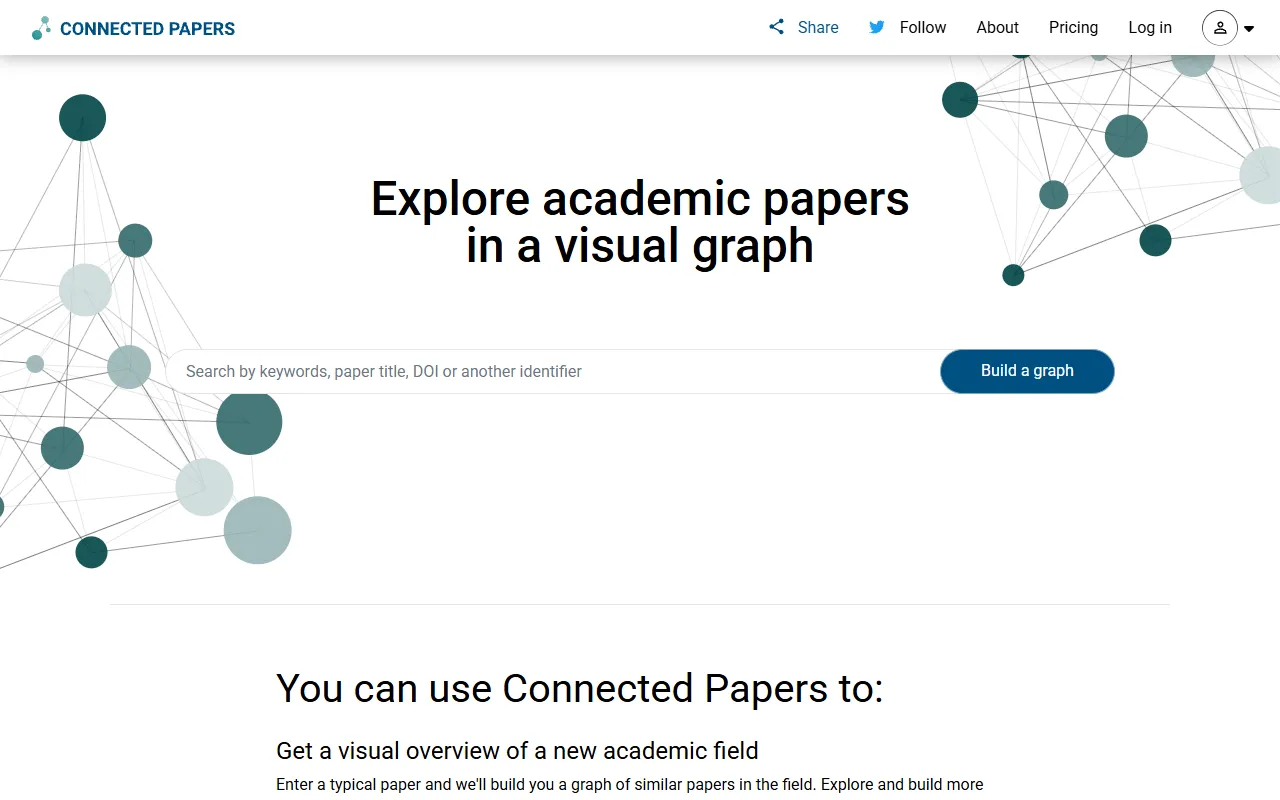
Connected Papers
Research ToolsVisual tool for exploring academic paper connections and building literature graphs.
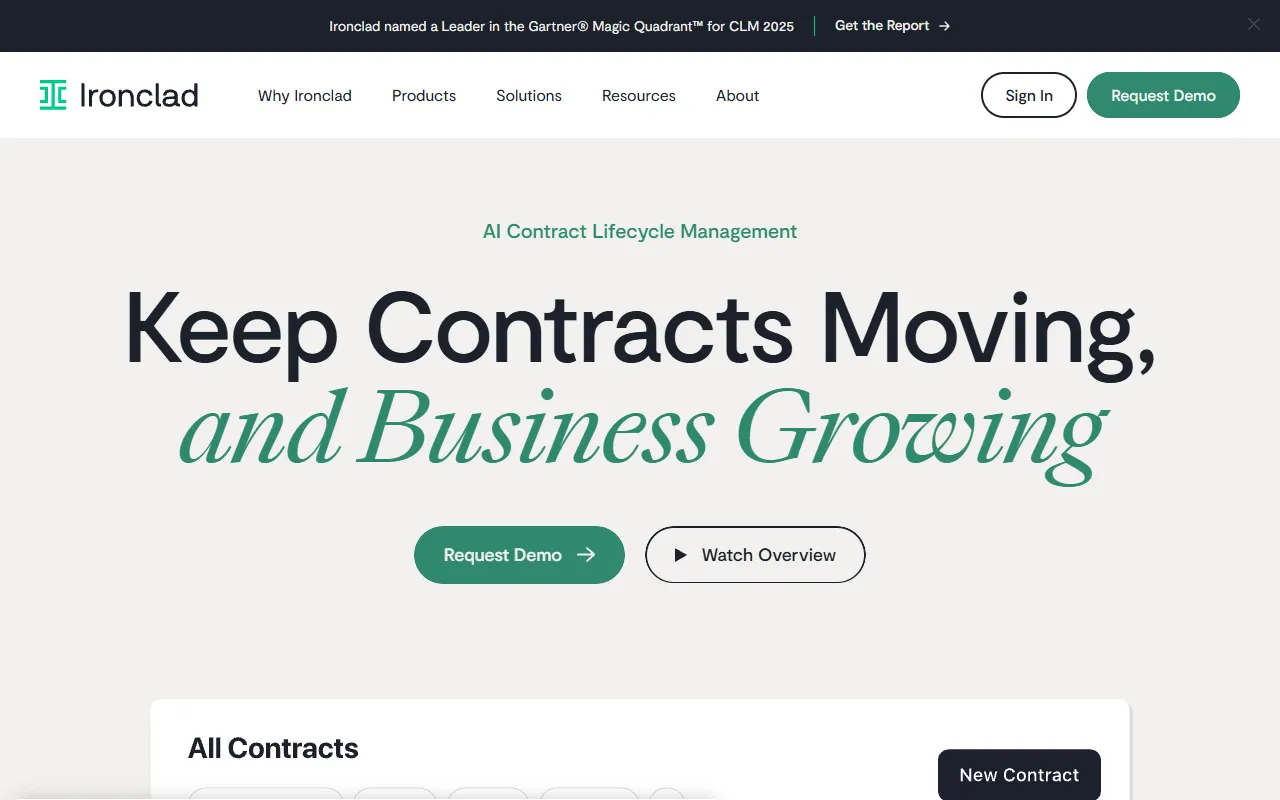

Ironclad
Legal AIAI-powered contract lifecycle management platform for enterprise legal teams.
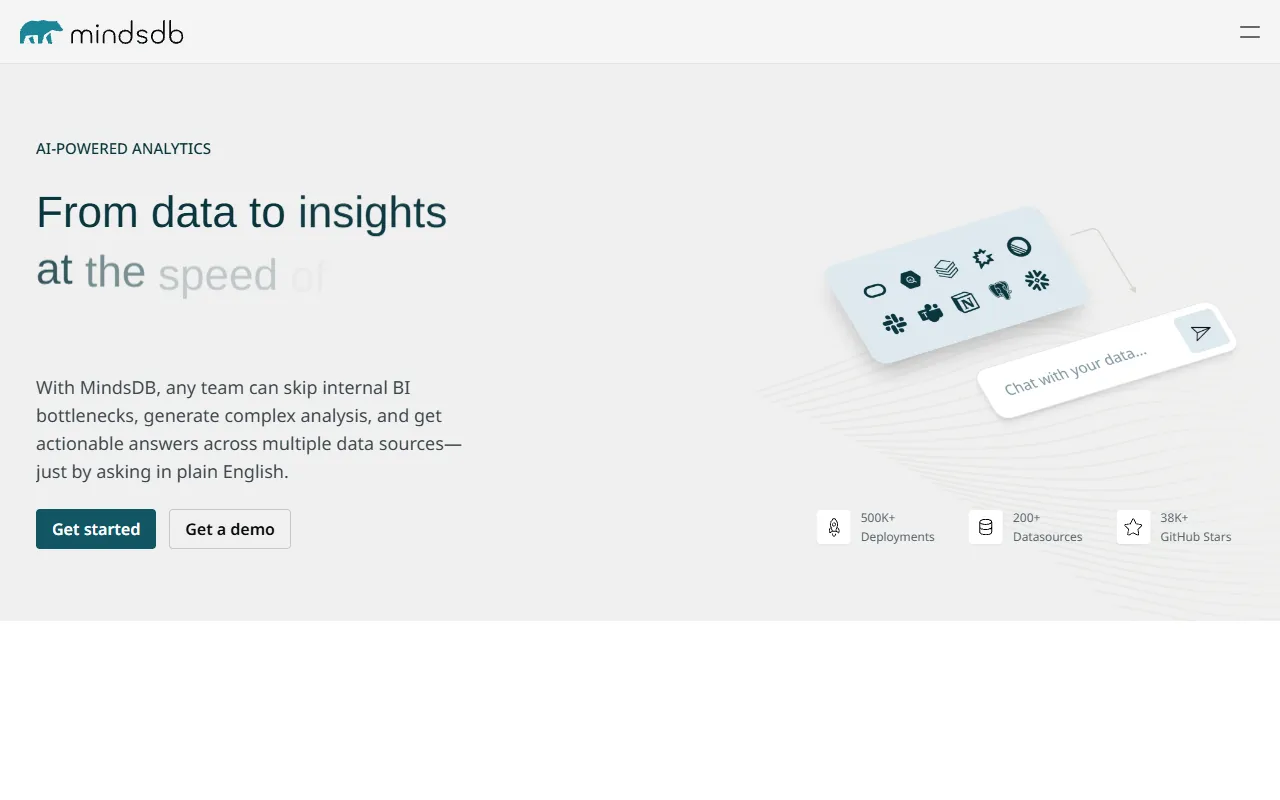

MindsDB
Data AnalyticsAI platform that brings machine learning directly into your existing databases.
AI Shirt Design Generator - YupTees
AI Image GenerationYupTees: AI-powered T-shirt design generator for fast, easy, and scalable print-on-demand creations.
Claude
AI AssistantsAnthropic's AI assistant known for thoughtful, nuanced responses, strong reasoning capabilities, and a focus on safety and helpfulness.
AlphaFold
Science AIDeepMind AI system that predicts 3D protein structures with remarkable accuracy.
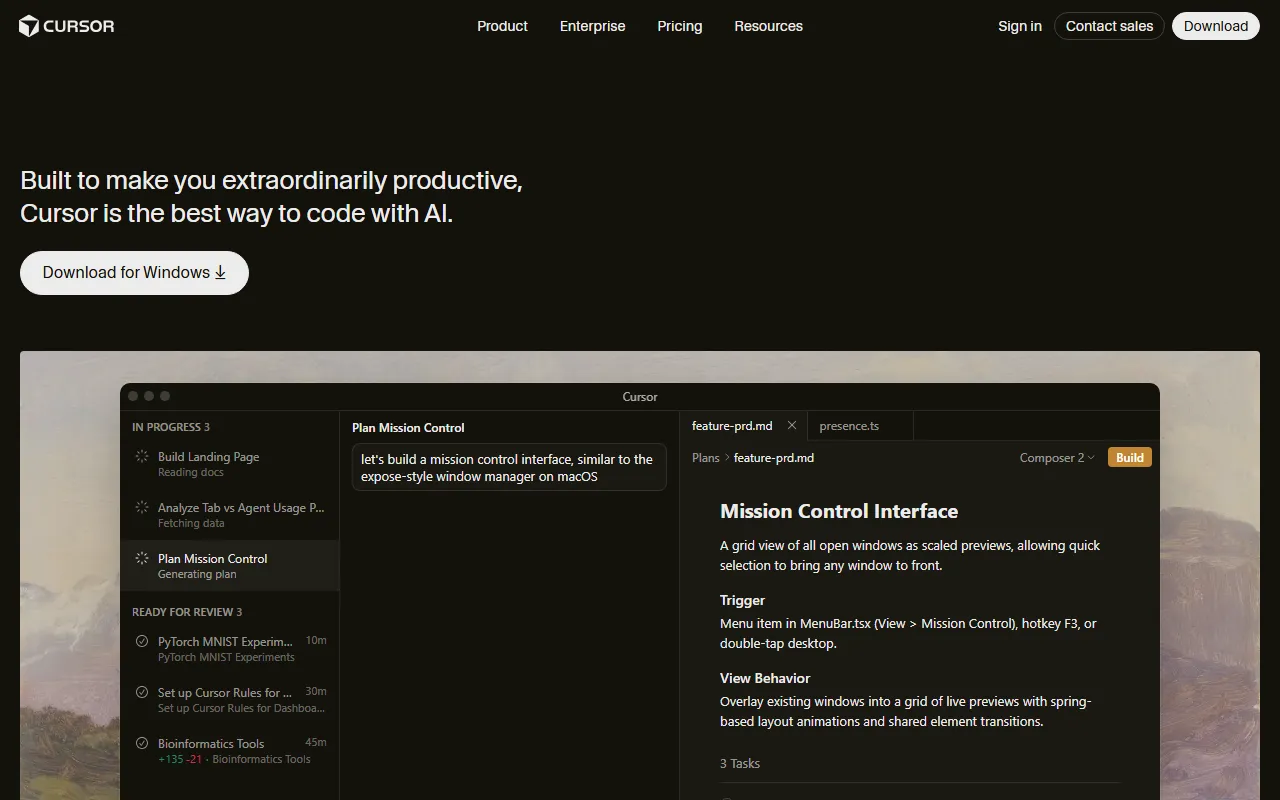

Cursor
Code AssistantsAn AI-first code editor built on VS Code that integrates AI deeply into every aspect of the coding experience, from writing to debugging.
ChatGPT
AI AssistantsOpenAI's conversational AI assistant capable of generating text, answering questions, writing code, and assisting with a wide range of tasks.

Claid.ai
Image EditingAI product photo editing with automated background removal, upscaling, and enhancement.