Quick Take
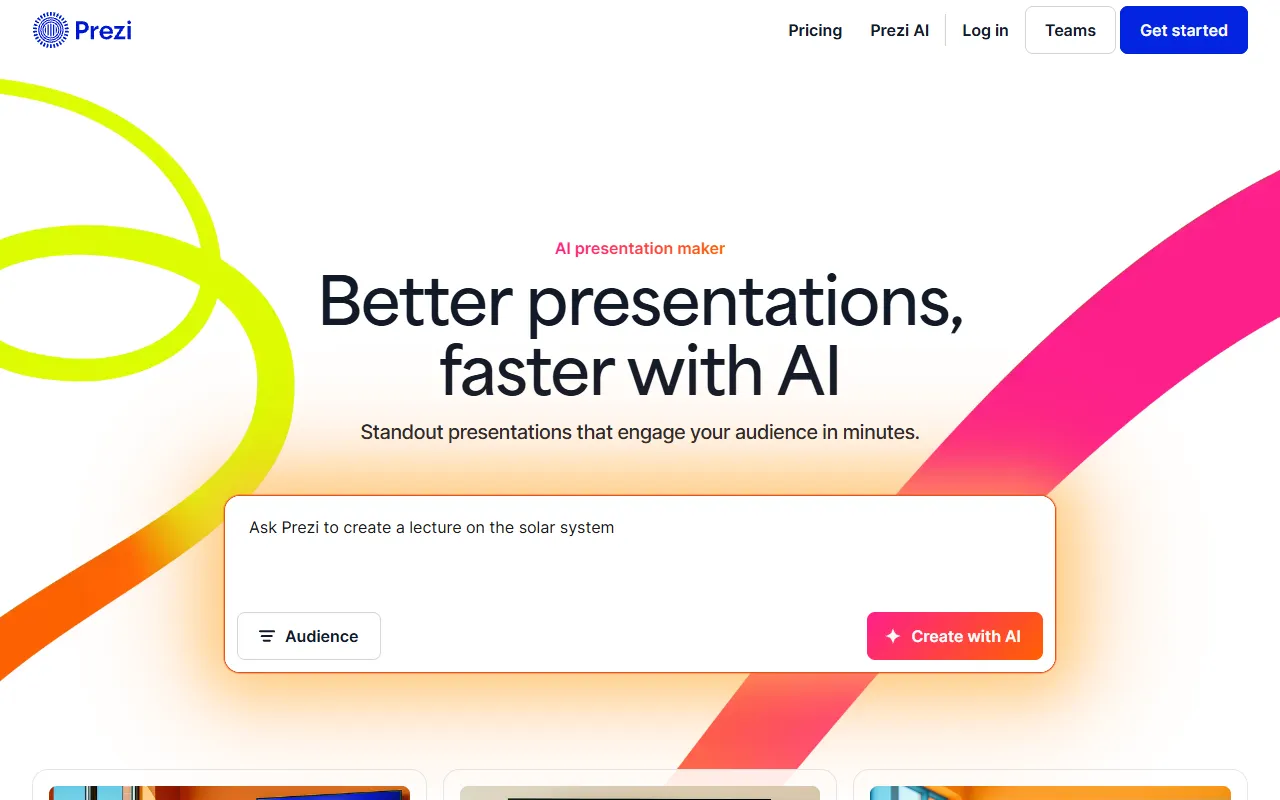
AI-enhanced dynamic presentation platform with zooming canvas and motion graphics.
Pricing
FreemiumTool Overview
Tags
What is Prezi?
Prezi is a dynamic presentation platform that revolutionized the way people think about slide-based communication by introducing a unique zooming user interface that allows presenters to navigate through content on an open canvas rather than flipping through linear slides. Founded in Budapest, Hungary in 2009, Prezi was one of the first presentation tools to challenge the dominance of PowerPoint by offering a fundamentally different visual experience. Instead of traditional slide-to-slide transitions, Prezi presentations move fluidly across a large canvas, zooming in and out of topics, subtopics, and details in a way that mimics natural thought patterns and creates a more engaging storytelling experience for audiences of all sizes.
Over the years, Prezi has expanded well beyond its original zooming presentation concept. The company now offers a suite of visual communication tools including Prezi Present for creating dynamic presentations, Prezi Video for appearing alongside your content during video calls and recordings, and Prezi Design for creating interactive charts, reports, and infographics. The platform has also embraced artificial intelligence, integrating AI features that help users generate content, design layouts, and structure their presentations more efficiently than ever before.
With over 100 million users worldwide and presentations that have been viewed billions of times, Prezi has established itself as a major player in the visual communication space. The platform is used by Fortune 500 companies, universities, and individual professionals alike. Its unique visual approach has proven particularly effective for complex topics that benefit from showing relationships between ideas, making it popular in fields like education, consulting, and technology where hierarchical and interconnected information needs to be communicated clearly and memorably.
Key Features
Zooming Canvas Presentations: Prezi signature feature is its open canvas with zooming navigation. Rather than creating individual slides, you place content on a large virtual canvas and define a path that zooms into and between different areas. This creates a cinematic, engaging presentation experience that helps audiences understand the relationship between the big picture and specific details in a way that traditional slides simply cannot achieve.
Prezi Video: This feature allows presenters to appear on screen alongside their content during live video calls or recorded presentations. Your slides appear next to you, behind you, or around you while you present, creating a broadcast-quality experience from your laptop. It integrates with Zoom, Microsoft Teams, Google Meet, and other video conferencing platforms, making virtual presentations more engaging and personal.
AI-Powered Content Generation: Prezi has integrated AI capabilities that can help users create presentations from text prompts, generate slide content, suggest design layouts, and restructure existing presentations. The AI can also help transform documents, articles, and other text content into visual presentations, significantly reducing the time needed to create compelling visual stories from existing written material.
Prezi Design for Infographics: Beyond presentations, Prezi Design allows users to create interactive data visualizations, infographics, reports, and charts that can be embedded on websites or shared as standalone pieces of visual content. These interactive graphics can include clickable elements, animations, and zoom functionality that make data more explorable and engaging for viewers.
Reusable Templates and Brand Kits: Prezi offers a large library of professionally designed templates for various presentation types, from business reports to educational lectures. Organizations can set up brand kits with their colors, fonts, and logos, ensuring consistency across all presentations created by team members while still leveraging the unique Prezi visual format that audiences find memorable.
How It Works
Creating a Prezi presentation starts with choosing a template or starting from a blank canvas. If you select a template, you get a pre-designed structure with placeholder content organized in a logical topic hierarchy. The Prezi editor allows you to place text, images, videos, and other media elements anywhere on the canvas, then define a presentation path that determines the order in which your audience will see each element. You can create topics and subtopics that nest within each other, and the zooming interface will smoothly navigate between them during the presentation.
For users who prefer a more guided approach, the AI features can generate a complete presentation structure from a text description. You input your topic and key points, and the system creates a canvas layout with organized content areas, suggested imagery, and a logical flow path. You can then customize every element, rearranging content, adjusting the zoom levels, changing colors and fonts, and adding multimedia elements to make the presentation your own unique creation.
Presenting with Prezi can be done directly from the web browser, through a desktop application, or via the Prezi Video integration with video conferencing tools. The platform supports both presenter mode with speaker notes and a shareable link mode for asynchronous viewing. Prezi presentations can be exported to PDF format, though the interactive zooming experience is best captured through the native Prezi viewer or the Prezi Video feature that combines your webcam feed with your presentation content for maximum audience engagement.
Use Cases
Educational Lectures and Training: Teachers and trainers use Prezi to create engaging educational content where the zooming interface helps illustrate relationships between concepts, drill down into details, and maintain student attention through dynamic visual movement rather than static slide transitions that can feel monotonous.
Sales and Client Presentations: Sales professionals leverage Prezi unique visual format to stand out from competitors who use standard PowerPoint decks, using the zooming canvas to tell compelling product stories and navigate flexibly based on client questions and interests during live meetings.
Virtual Presentations and Webinars: Prezi Video has become particularly popular for virtual presentations where appearing alongside your content creates a more personal and engaging experience than simply sharing a static screen, helping presenters maintain audience attention in remote settings where distractions are everywhere.
Conference Talks and Keynotes: Speakers at conferences and events use Prezi to deliver memorable keynotes that leverage the cinematic zooming effect to create a sense of visual journey, making complex topics more accessible and presentations more memorable for large audiences who might otherwise lose focus.
Pricing
Prezi uses a freemium pricing model with several tiers designed for different needs. The Basic free plan lets you create and share Prezi presentations with Prezi branding and limited privacy controls. The Standard plan, around $7 per month billed annually, removes branding, adds privacy controls, and provides offline access through the desktop application. The Plus plan, approximately $12 per month, adds Prezi Video capabilities, advanced analytics, and access to premium stock images. The Premium plan, around $16 per month, includes everything in Plus along with advanced collaboration features, Prezi Design for infographics, and priority customer support. Business and Enterprise tiers offer team management tools, single sign-on authentication, centralized billing, and dedicated account management for organizations with larger teams.
Pros and Cons
Pros:
Unique zooming canvas creates visually striking presentations that stand out from traditional slide-based tools and help illustrate complex relationships between ideas effectively
Prezi Video is an excellent feature for remote and hybrid presentations, allowing presenters to appear alongside their content for a more engaging virtual experience
Large template library and AI content generation capabilities make it accessible to users who want the Prezi visual style without extensive design skills
Strong presence in education with free plans for students and educators, making it an accessible tool for academic presentations and lectures
Cons:
The zooming interface can cause motion sickness or disorientation for some audience members if transitions are overused or poorly designed, requiring presenters to exercise restraint
The non-linear format has a steeper learning curve than traditional slide tools, and some users find it harder to organize content effectively on an open canvas
Presentations lose their interactive zooming effect when exported to PDF, making Prezi less suitable for contexts where file-based sharing is the primary distribution method
Who Is It Best For?
Prezi is best suited for presenters who want to differentiate their presentations visually and create a more engaging, cinematic experience for their audience. It is particularly well-suited for educators, consultants, conference speakers, and sales professionals who present frequently and want their content to stand out from the crowd. Organizations that conduct many virtual presentations will find Prezi Video especially valuable for maintaining audience engagement in remote settings. Anyone who regularly presents complex, hierarchical information and wants to show the big picture while being able to zoom into specific details will appreciate the unique capabilities that Prezi brings to visual communication.
Why Choose Prezi?
Prezi remains the only major presentation platform that offers a truly non-linear, zooming canvas experience. While many tools have added AI features and collaboration capabilities, none have replicated the distinctive visual storytelling that Prezi enables. The addition of Prezi Video for virtual presentations and Prezi Design for interactive infographics has expanded the platform well beyond its original scope, creating a comprehensive visual communication suite. If you want your presentations to be memorable, engaging, and visually distinctive, and you are willing to invest the time to learn a different approach to presentation design, Prezi offers a creative tool that delivers results that no traditional slide-based tool can match in terms of visual impact and audience engagement.
ADVERTISEMENT
728 x 90
Browse More Tools
View all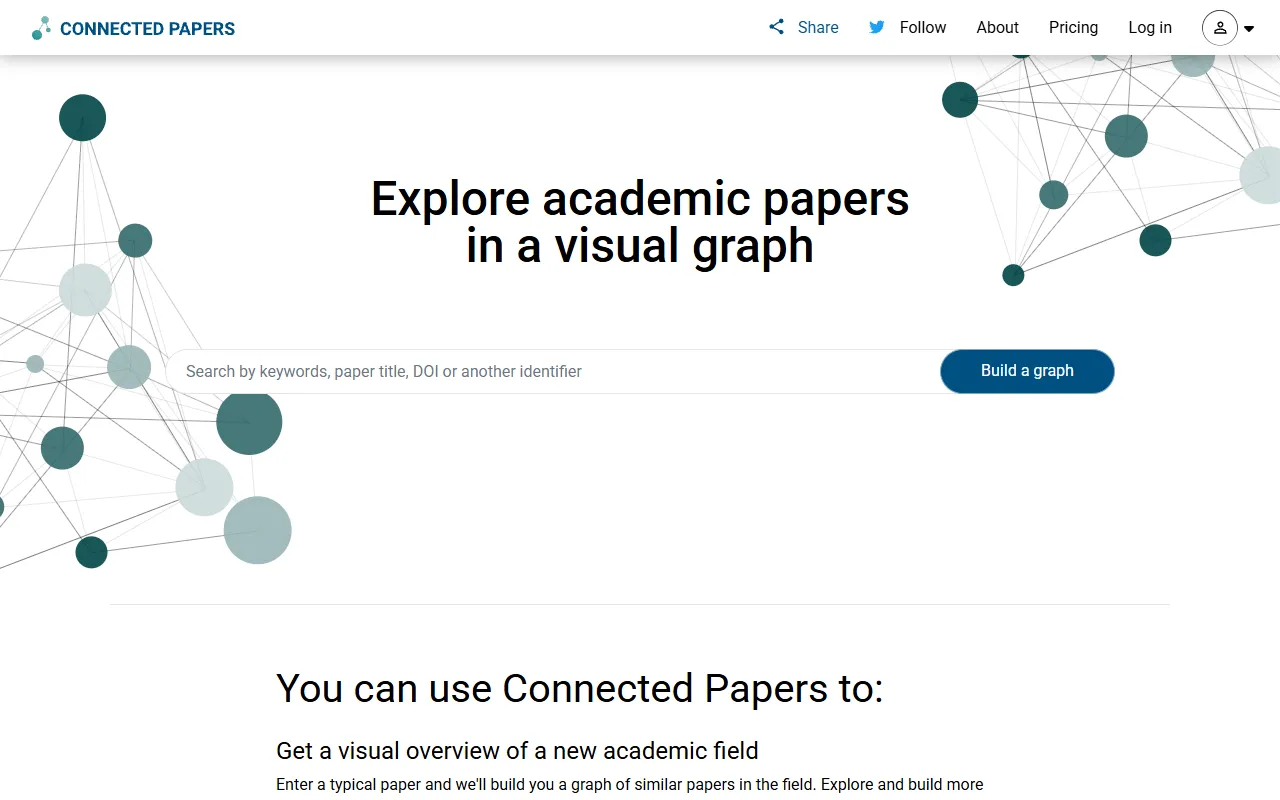
Connected Papers
Research ToolsVisual tool for exploring academic paper connections and building literature graphs.

Ironclad
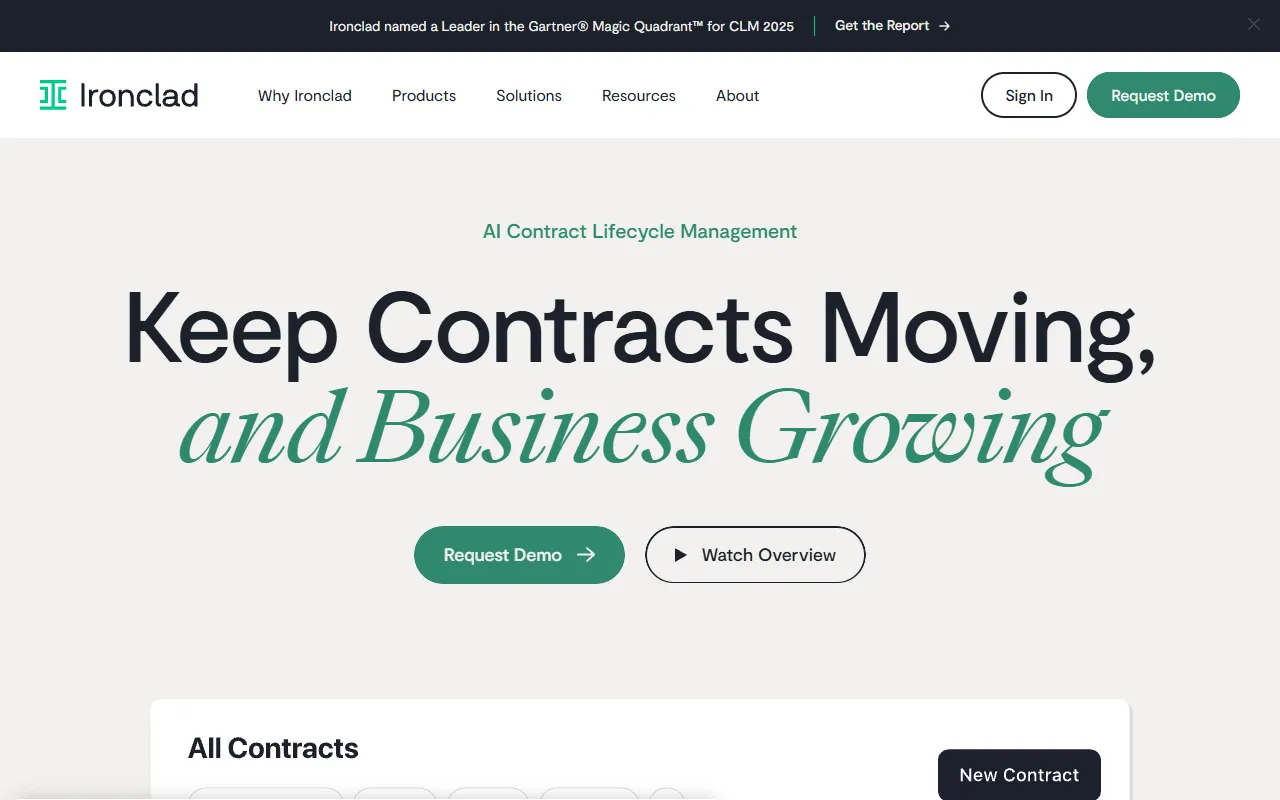
Legal AIAI-powered contract lifecycle management platform for enterprise legal teams.
MindsDB
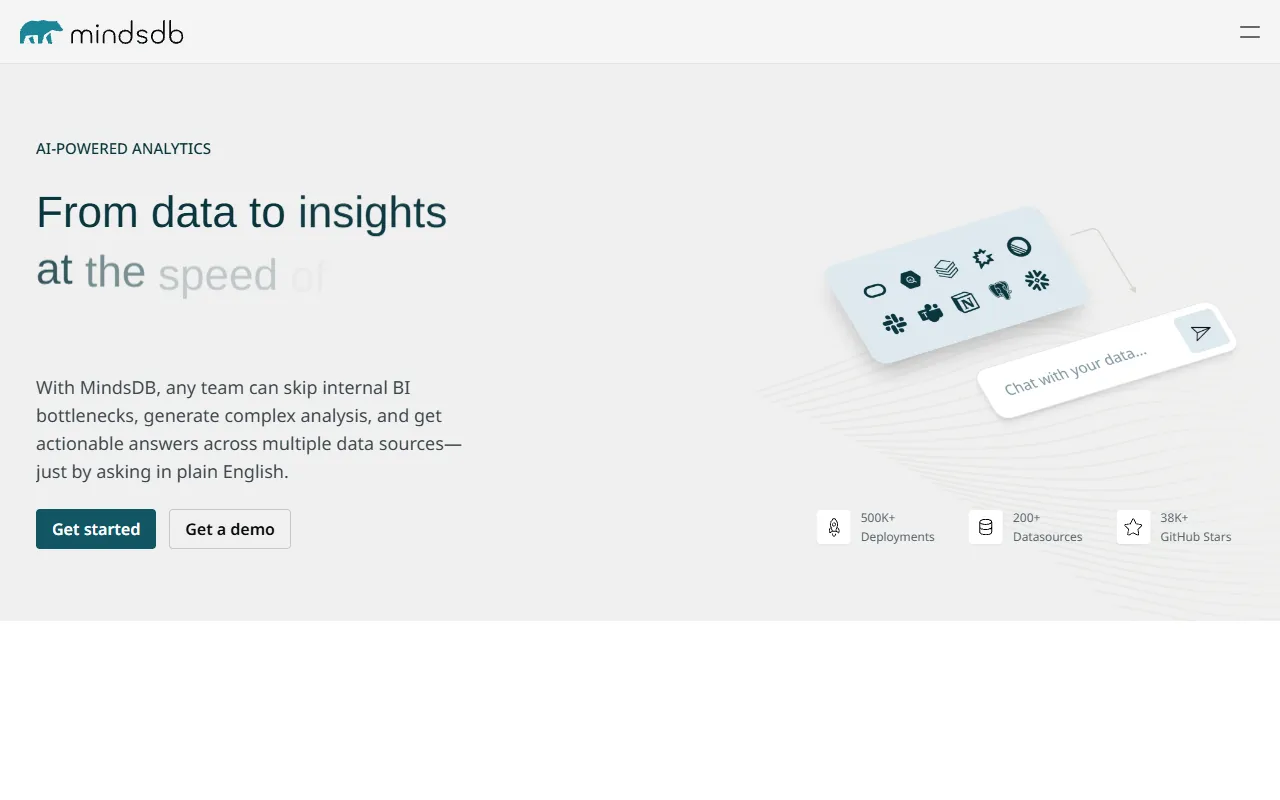
Data AnalyticsAI platform that brings machine learning directly into your existing databases.
AI Shirt Design Generator - YupTees
AI Image GenerationYupTees: AI-powered T-shirt design generator for fast, easy, and scalable print-on-demand creations.
Claude
AI AssistantsAnthropic's AI assistant known for thoughtful, nuanced responses, strong reasoning capabilities, and a focus on safety and helpfulness.

AlphaFold
Science AIDeepMind AI system that predicts 3D protein structures with remarkable accuracy.

Cursor
Code AssistantsAn AI-first code editor built on VS Code that integrates AI deeply into every aspect of the coding experience, from writing to debugging.
ChatGPT
AI AssistantsOpenAI's conversational AI assistant capable of generating text, answering questions, writing code, and assisting with a wide range of tasks.

Claid.ai
Image EditingAI product photo editing with automated background removal, upscaling, and enhancement.