Quick Take
AI slide and presentation generator that works inside Google Slides and PowerPoint.
Pricing
PaidTool Overview
Tags
What is Plus AI?
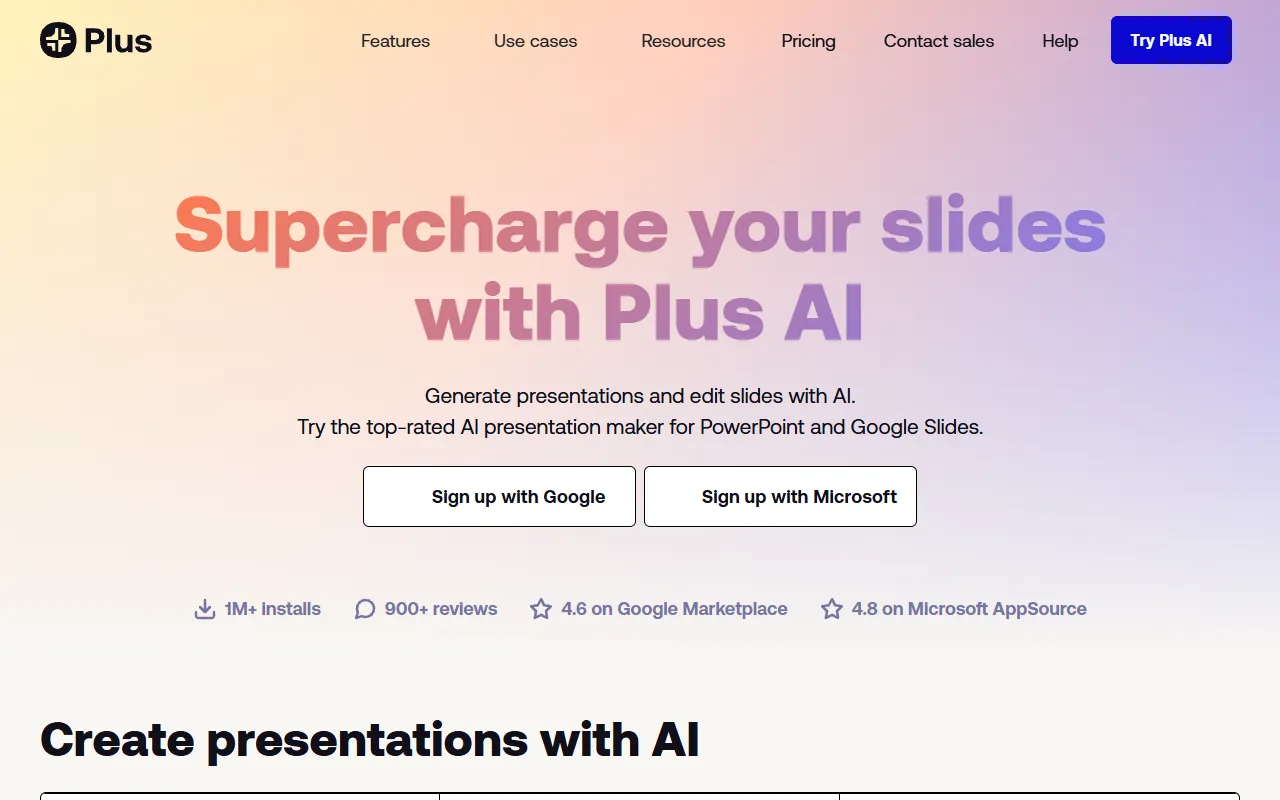
Plus AI is an artificial intelligence-powered add-on for Google Slides and Microsoft PowerPoint that enables users to create, edit, and enhance presentations using natural language prompts directly within their existing presentation tools. Rather than requiring you to learn a new platform, Plus AI integrates seamlessly into the tools you already use, adding a layer of AI intelligence that can generate entire presentations from scratch, suggest new slides, rewrite content, and redesign layouts without ever leaving the familiar Google Slides or PowerPoint environment. This approach makes it one of the most accessible AI presentation tools available today.
Launched as a Google Slides add-on and later expanding to PowerPoint, Plus AI has quickly gained popularity among professionals who rely on Google Workspace or Microsoft 365 for their daily work. The tool is particularly appealing because it enhances rather than replaces your existing workflow. You continue to use Google Slides or PowerPoint with all their familiar features, collaboration capabilities, and sharing options, but now with the added ability to generate and refine content using AI. This makes it easier to adopt than standalone AI presentation platforms that require migrating your entire workflow.
The team behind Plus AI has focused on making the AI capabilities as practical and useful as possible for everyday business presentations. Rather than prioritizing flashy visual effects, the tool emphasizes content quality, logical structure, and professional formatting that meets the standards expected in corporate and business environments. The AI understands common presentation structures like executive summaries, project updates, sales proposals, and training materials, and generates content that follows established best practices for each presentation type.
Key Features
AI Presentation Generation: Plus AI can create a complete multi-slide presentation from a text prompt describing your topic, audience, and desired outcome. The AI generates an appropriate structure with relevant sections, writes detailed content for each slide, selects suitable layouts, and even suggests images. You can guide the output by specifying the number of slides, preferred tone, and key points you want covered in the final presentation.
Slide-Level AI Editing: Beyond generating entire presentations, Plus AI allows you to work with the AI on individual slides. You can ask it to rewrite content to be more concise, expand a bullet point into a detailed paragraph, change the tone from formal to casual, or generate alternative versions of any slide. This granular control makes it useful for refining existing presentations, not just creating new ones from scratch.
Custom Templates and Themes: Plus AI works with your existing Google Slides themes and PowerPoint templates, ensuring that AI-generated content matches your company branding and design standards. You can train the AI on your preferred styles and structures, so generated presentations consistently reflect your organization visual identity and formatting conventions across every deck.
Outline and Restructuring Tools: The tool provides an outline view where you can see and modify the structure of your presentation before the AI generates the full content. You can rearrange sections, add or remove topics, and adjust the level of detail for each area. This gives you strategic control over the presentation flow while letting the AI handle the detailed content creation work.
Native Integration with Google Workspace and Microsoft 365: Because Plus AI runs as an add-on within Google Slides and PowerPoint, all the collaboration features of these platforms work seamlessly with AI-generated content. You can share, comment, co-edit, version-control, and present using the native tools you are already familiar with, without any workflow disruption or learning curve for your team members.
How It Works
Getting started with Plus AI is as simple as installing the add-on from the Google Workspace Marketplace or the Microsoft 365 add-in store. Once installed, a Plus AI menu or sidebar appears within your presentation tool. To create a new presentation, you open the Plus AI panel and describe what you need in natural language. For example, you might type something like create a 12-slide quarterly business review for the marketing team covering campaign performance, budget utilization, and plans for next quarter. The AI processes your request and generates a complete presentation draft within your Google Slides or PowerPoint file.
After the initial generation, you can refine the presentation using a combination of traditional manual editing and AI-assisted commands. Clicking on any slide opens options to have the AI rewrite content, change the layout, add more detail, simplify the language, or generate entirely new content for that specific slide. You can also use the AI to add new slides to an existing presentation, filling in content that matches the style and context of the surrounding slides seamlessly.
The tool also supports importing content from documents, webpages, and other sources as input for presentation generation. You can paste text from a report, share a URL, or upload a document, and Plus AI will transform that content into a structured presentation. This is particularly useful for turning written documents like research reports, project briefs, or meeting notes into visual presentations that are easier to share and discuss with teams and stakeholders in meeting settings.
Use Cases
Corporate Business Presentations: Professionals can use Plus AI to rapidly create polished business presentations including quarterly reviews, strategy decks, project proposals, and board meeting materials, all within the Google Slides or PowerPoint environment their organization already uses and trusts.
Transforming Documents into Slides: Teams can convert lengthy reports, research papers, or meeting notes into concise, visual presentations by feeding the source material to Plus AI, which extracts key points and organizes them into a logical slide structure that communicates the essential information effectively.
Rapid Iteration and Brainstorming: Product managers and strategists can use Plus AI to quickly generate multiple versions of a presentation with different angles, structures, or levels of detail, facilitating faster brainstorming and helping teams explore different ways to frame their message before settling on a final approach.
Updating and Refreshing Existing Decks: Rather than starting from scratch, teams can use Plus AI to update existing presentations with new data, rewrite outdated sections, add new slides to cover emerging topics, or restructure the flow of a presentation that has evolved over multiple iterations and needs a refresh.
Pricing
Plus AI operates on a paid subscription model with several tiers to accommodate different usage levels. The Individual plan is typically priced around $10 per user per month when billed annually, providing access to AI presentation generation, slide editing, and a set number of AI operations per month. The Team plan, around $15 to $20 per user per month, adds collaborative features, shared templates, team management, and higher usage limits. Enterprise pricing is available for larger organizations and includes custom integrations, advanced security features, single sign-on, and dedicated support. All plans include a free trial period so users can thoroughly evaluate the tool before committing to a paid subscription.
Pros and Cons
Pros:
Works directly within Google Slides and PowerPoint, eliminating the need to learn a new platform or change your existing presentation workflow
Excellent content quality for business presentations with AI that understands professional communication standards and common presentation structures
Granular AI editing at the slide level allows for precise refinement of individual sections without affecting the rest of the presentation
Preserves all native collaboration and sharing features of Google Slides and PowerPoint, making team adoption seamless and straightforward
Cons:
Requires a paid subscription with no permanent free tier, which may deter casual users who only create presentations occasionally
Design output quality depends heavily on the underlying Google Slides or PowerPoint theme, so results may look basic without a well-designed template
AI generation speed can vary depending on the complexity of the request and server load, occasionally requiring patience for longer presentations
Who Is It Best For?
Plus AI is ideal for business professionals who already use Google Slides or PowerPoint as their primary presentation tool and want to add AI capabilities without disrupting their existing workflow. It is particularly valuable for knowledge workers who create presentations frequently, including consultants, project managers, sales professionals, and executives who need to communicate complex information clearly and efficiently. Teams that have standardized on Google Workspace or Microsoft 365 will appreciate that Plus AI fits naturally into their existing tool ecosystem, making it easy to adopt across an organization without the training overhead that comes with switching to a completely new presentation platform.
Why Choose Plus AI?
Plus AI offers a uniquely practical approach to AI-powered presentations by meeting users where they already are rather than asking them to adopt a new tool. While standalone AI presentation platforms may offer more design flexibility or visual flair, Plus AI wins on convenience, compatibility, and seamless integration. The ability to generate, edit, and enhance presentations using AI without leaving your familiar Google Slides or PowerPoint environment is a powerful proposition that reduces adoption friction and maximizes the likelihood that AI presentation tools will actually be used by busy professionals in their daily work. If you want the benefits of AI presentation assistance without the cost of learning and migrating to a new platform, Plus AI delivers exactly that in a practical and efficient package.
ADVERTISEMENT
728 x 90
Browse More Tools
View all
Connected Papers
Research ToolsVisual tool for exploring academic paper connections and building literature graphs.

Ironclad
Legal AIAI-powered contract lifecycle management platform for enterprise legal teams.
MindsDB
Data AnalyticsAI platform that brings machine learning directly into your existing databases.
AI Shirt Design Generator - YupTees
AI Image GenerationYupTees: AI-powered T-shirt design generator for fast, easy, and scalable print-on-demand creations.
Claude
AI AssistantsAnthropic's AI assistant known for thoughtful, nuanced responses, strong reasoning capabilities, and a focus on safety and helpfulness.
AlphaFold
Science AIDeepMind AI system that predicts 3D protein structures with remarkable accuracy.

Cursor
Code AssistantsAn AI-first code editor built on VS Code that integrates AI deeply into every aspect of the coding experience, from writing to debugging.

ChatGPT
AI AssistantsOpenAI's conversational AI assistant capable of generating text, answering questions, writing code, and assisting with a wide range of tasks.

Claid.ai
Image EditingAI product photo editing with automated background removal, upscaling, and enhancement.