
Quick Take
Desktop AI photo upscaling, denoising, and sharpening tool for photographers.
Pricing
PaidTool Overview
Tags
What is Topaz Photo AI?
Topaz Photo AI is a professional-grade desktop application that uses artificial intelligence to dramatically enhance photograph quality through intelligent upscaling, noise reduction, and sharpening. Developed by Topaz Labs, a company that has been pioneering AI-powered image processing since 2005, Topaz Photo AI represents the culmination of nearly two decades of research into applying machine learning to photographic enhancement. The software analyzes each image at a pixel level, understands the content and context of the photograph, and applies targeted improvements that would take hours to achieve manually in traditional photo editing software, all with a few clicks.
What makes Topaz Photo AI exceptional in the image enhancement space is its use of purpose-trained AI models that specialize in understanding different types of photographic content. Rather than applying generic filters that treat every pixel the same way, the software distinguishes between faces, text, natural textures, fabrics, fur, foliage, and other visual elements, applying the optimal enhancement strategy for each type of content within the same image. This content-aware approach produces results that preserve natural detail and texture while eliminating noise, blur, and compression artifacts that degrade image quality.
Topaz Photo AI has become the go-to tool for photographers, photo restoration specialists, and visual content professionals who need to maximize the quality of their images. Whether working with photos shot in challenging low-light conditions, recovering detail from old or compressed digital images, or upscaling images for large-format printing, the software consistently delivers results that are often described as near-magical by its users. The one-time purchase pricing model, rather than a subscription, has also contributed to its popularity among professionals who prefer to own their tools outright.
Key Features
AI-Powered Upscaling: Topaz Photo AI can increase image resolution by up to 6x while adding genuine detail rather than simply interpolating pixels. The AI model has been trained on millions of image pairs to understand how fine details at high resolution correspond to lower-resolution versions, enabling it to intelligently reconstruct detail that does not exist in the original image. The results are dramatically superior to traditional upscaling methods like bicubic interpolation, producing sharp, natural-looking enlargements that can be used for large-format printing, cropping, and display at higher resolutions.
Advanced Noise Reduction: The noise reduction engine analyzes image noise patterns at a deep level, distinguishing between genuine image detail and various types of noise including luminance noise, color noise, and sensor noise. The AI removes noise while preserving textures, edges, and fine details that traditional noise reduction tools would smooth away. This makes it possible to rescue images shot at extremely high ISO settings or in challenging lighting conditions that would otherwise be unusable.
Intelligent Sharpening: Topaz Photo AI's sharpening algorithms can recover detail from images affected by motion blur, lens softness, or slight misfocus. The AI understands the difference between blur caused by camera shake, subject movement, and optical limitations, applying the appropriate correction for each type. The result is sharper images that look naturally focused rather than artificially processed, avoiding the halos and artifacts that traditional sharpening tools often produce.
Face Recovery and Enhancement: The software includes specialized AI models for detecting and enhancing faces within photographs. When faces are present, the AI applies targeted enhancement that improves facial detail, sharpness, and clarity while maintaining natural skin texture and appearance. This feature is particularly valuable for portrait photographers and anyone working with images where facial quality is paramount, rescuing faces from blurry, noisy, or low-resolution conditions.
Autopilot Mode: Topaz Photo AI features an intelligent Autopilot mode that automatically analyzes each image and determines which enhancements are needed. The AI evaluates factors like noise levels, sharpness, resolution, and face presence to automatically configure the optimal combination of noise reduction, sharpening, and upscaling. This automated analysis saves time for batch processing and ensures that each image receives the appropriate treatment without manual configuration.
How It Works
Using Topaz Photo AI begins with downloading and installing the desktop application on your Windows or macOS computer. The software runs locally on your machine, processing images using your computer's GPU for accelerated performance. Upon first launch, the application downloads the necessary AI models, which may take a few minutes depending on your internet connection. Once installed, you can start processing images immediately by dragging and dropping them into the application or using the file browser to open images from your computer.
When you open an image, Topaz Photo AI's Autopilot immediately analyzes it and applies recommended enhancements. A before-and-after preview shows you exactly what changes are being made, and you can zoom in to examine the details closely. If the automatic settings are not exactly what you want, each enhancement module, noise reduction, sharpening, and upscaling, can be manually adjusted with sliders and controls that provide fine-grained control over the processing. You can also toggle individual enhancements on or off to see their individual effects on the image.
Topaz Photo AI also integrates as a plugin with popular photo editing software including Adobe Photoshop, Adobe Lightroom, and Capture One. This integration allows photographers to send images from their primary editing application to Topaz Photo AI for enhancement and have the processed image returned automatically. For batch processing, the standalone application supports processing multiple images at once, applying the same or auto-configured settings to entire folders of photos, which is invaluable for wedding photographers, event photographers, and anyone working with large volumes of images.
Use Cases
Low-Light Photography Rescue: Photographers who shoot in challenging lighting conditions use Topaz Photo AI to clean up noise from high-ISO images. Concert photographers, wedding photographers working in dim reception venues, and wildlife photographers shooting at dusk or dawn can significantly improve image quality that would otherwise be compromised by noise from high sensitivity settings.
Large-Format Printing: Photographers and artists who need to print images at large sizes use the upscaling feature to increase resolution sufficiently for large-format output. An image that might look fine on screen but lacks sufficient resolution for a 24x36 inch print can be upscaled to produce a sharp, detailed print at any size.
Old Photo Restoration: Photo restoration specialists and families preserving memories use Topaz Photo AI to improve the quality of old, scanned, or degraded photographs. The combination of noise reduction, sharpening, and upscaling can breathe new life into faded, blurry, or low-resolution vintage photos, recovering details that seemed permanently lost.
Real Estate and Product Photography: Real estate agents, e-commerce sellers, and product photographers use Topaz Photo AI to ensure their images meet professional quality standards even when shot with consumer cameras or smartphones. The enhancement capabilities can elevate the quality of images captured in less-than-ideal conditions to a level that looks polished and professional.
Pricing
Topaz Photo AI is available as a one-time purchase for approximately $199, which includes the full application with all current AI models and features. This one-time purchase includes one year of updates, during which you receive all new AI model improvements, feature additions, and bug fixes. After the first year, the software continues to work indefinitely with the features and models it had at the time your update period ended. If you want to continue receiving updates beyond the first year, you can purchase an annual upgrade for approximately $99. This buy-once-use-forever model is notably different from the subscription-based pricing used by most professional software, making it an attractive option for photographers who prefer to own their tools. Topaz Labs also offers a bundle that includes Topaz Photo AI alongside their specialized video enhancement tool at a discounted price.
Pros and Cons
Pros:
Industry-leading AI upscaling produces genuinely detailed enlargements that far surpass traditional interpolation methods
Content-aware processing treats different image elements appropriately, preserving natural textures while removing unwanted artifacts
One-time purchase model provides excellent long-term value compared to subscription-based alternatives
Local processing ensures image privacy and eliminates dependency on internet connectivity or cloud services
Cons:
Requires a capable GPU for optimal performance; processing on older hardware or CPU-only systems can be very slow
The $199 initial price point is a significant upfront investment, especially for hobbyist photographers or occasional users
AI processing can occasionally introduce artifacts or unnatural-looking details, particularly on complex textures or when extreme upscaling ratios are applied
Who Is It Best For?
Topaz Photo AI is best suited for professional and serious amateur photographers who need to maximize the technical quality of their images. Wedding photographers, portrait photographers, wildlife photographers, and landscape photographers will find its capabilities transformative for improving images shot in challenging conditions. Photo restoration specialists working with old or degraded images will appreciate the ability to recover detail and clarity from sources that seem beyond repair. Any photographer who has ever wished they could reduce noise, sharpen focus, or increase resolution beyond what their camera captured will find tremendous value in Topaz Photo AI.
Why Choose Topaz Photo AI?
Topaz Photo AI has earned its reputation as the gold standard for AI-powered photo enhancement through years of relentless improvement and a singular focus on image quality. While numerous online tools offer basic upscaling and noise reduction, none match the quality, sophistication, and processing power of Topaz Photo AI's desktop application. The content-aware processing, face detection and enhancement, and Autopilot mode combine to deliver results that consistently exceed expectations, whether you are rescuing a noisy concert photo or preparing a fine art print for gallery display. For photographers who demand the absolute best in image enhancement, Topaz Photo AI is the definitive solution.
ADVERTISEMENT
728 x 90
Browse More Tools
View all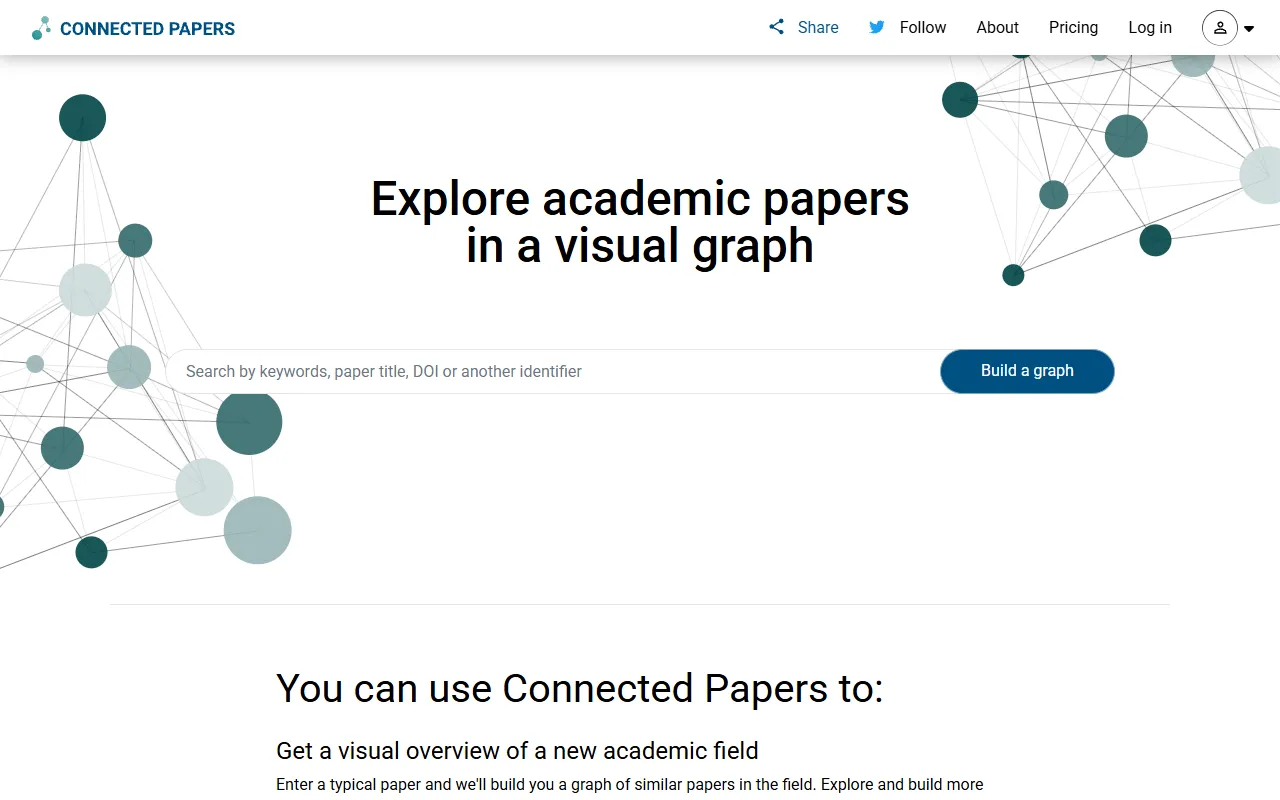
Connected Papers
Research ToolsVisual tool for exploring academic paper connections and building literature graphs.


Ironclad
Legal AIAI-powered contract lifecycle management platform for enterprise legal teams.
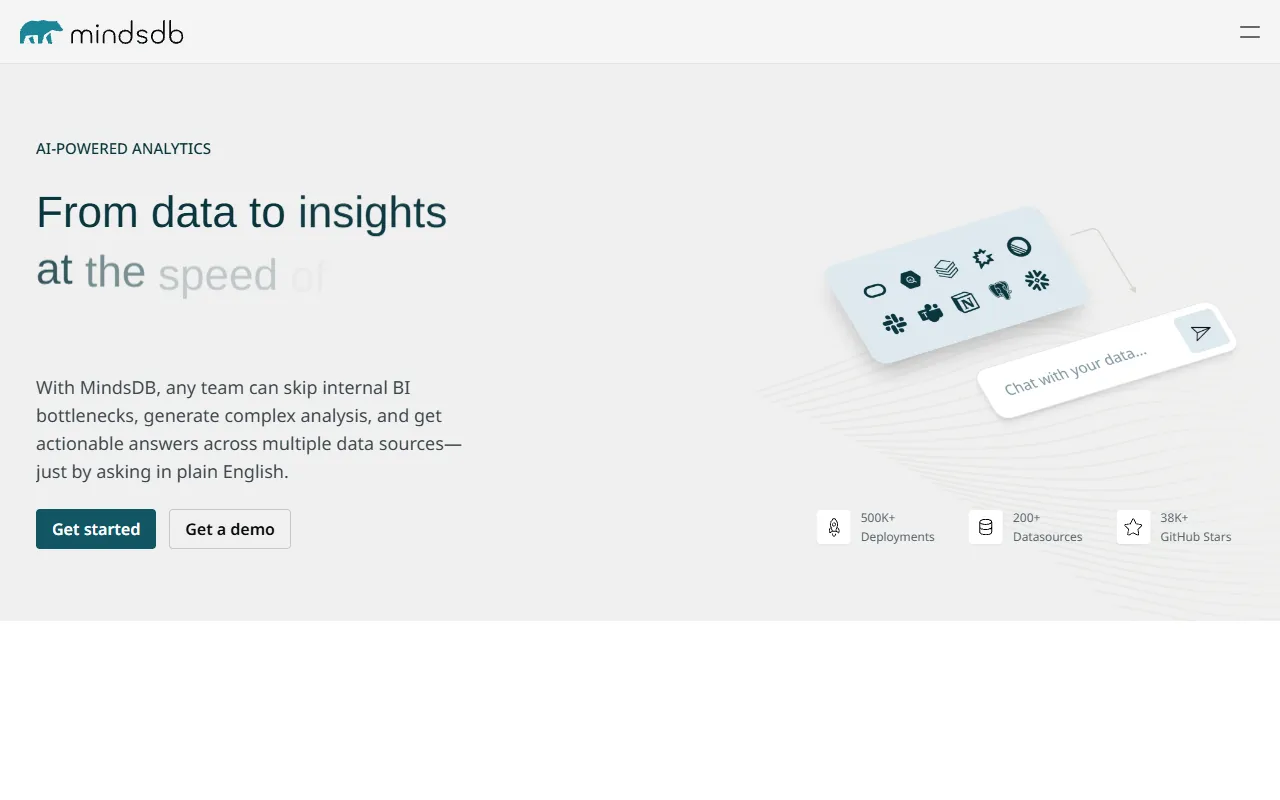

MindsDB
Data AnalyticsAI platform that brings machine learning directly into your existing databases.
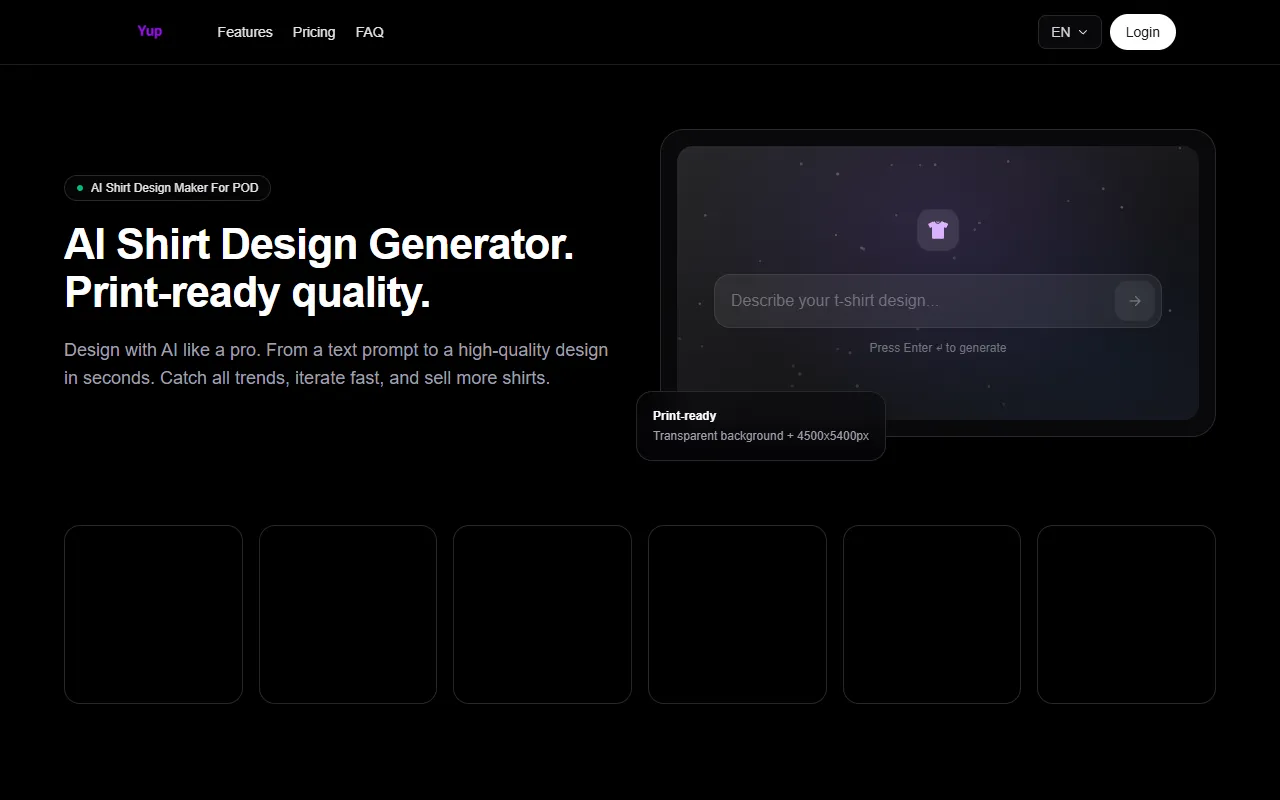
AI Shirt Design Generator - YupTees
AI Image GenerationYupTees: AI-powered T-shirt design generator for fast, easy, and scalable print-on-demand creations.

Claude
AI AssistantsAnthropic's AI assistant known for thoughtful, nuanced responses, strong reasoning capabilities, and a focus on safety and helpfulness.
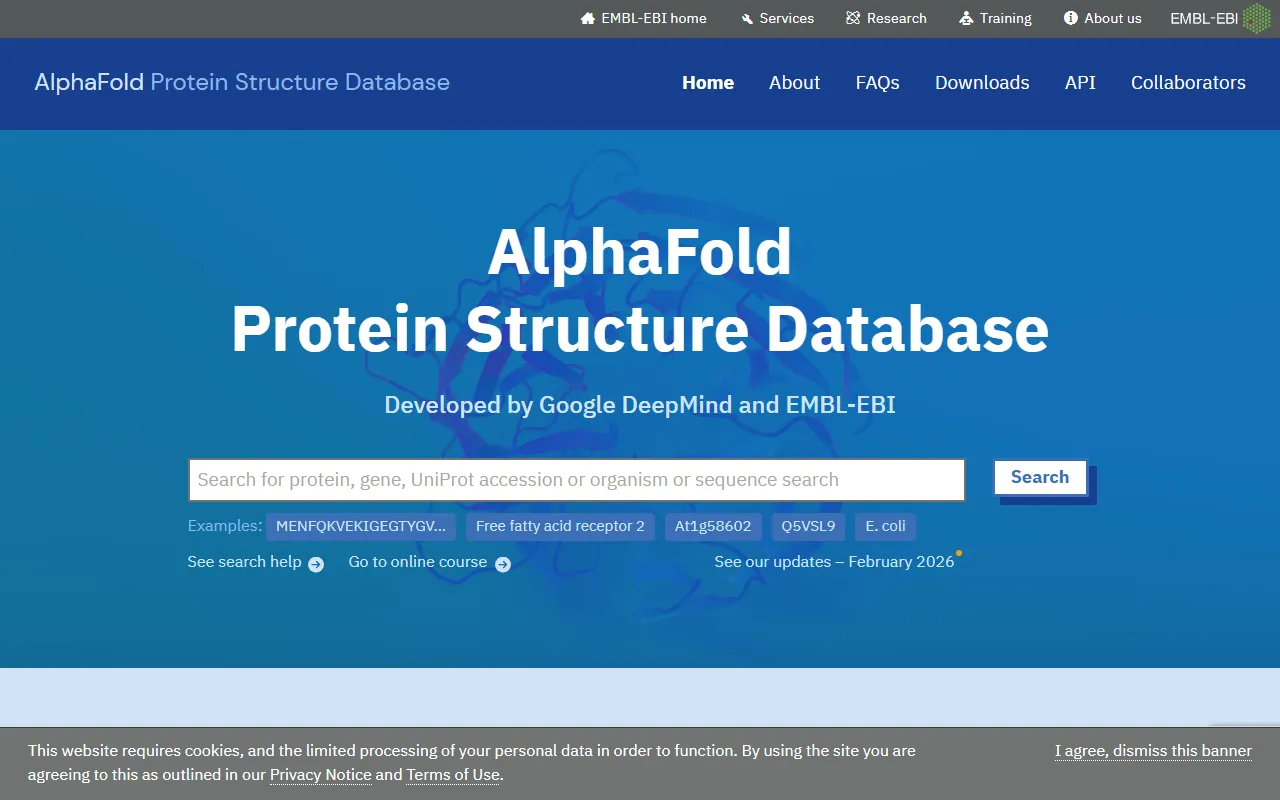
AlphaFold
Science AIDeepMind AI system that predicts 3D protein structures with remarkable accuracy.

Cursor
Code AssistantsAn AI-first code editor built on VS Code that integrates AI deeply into every aspect of the coding experience, from writing to debugging.

ChatGPT
AI AssistantsOpenAI's conversational AI assistant capable of generating text, answering questions, writing code, and assisting with a wide range of tasks.

Claid.ai
Image EditingAI product photo editing with automated background removal, upscaling, and enhancement.