Quick Take
AI workflow automation platform connecting LLMs to internal tools for sales and ops.
Pricing
PaidTool Overview
Tags
What is Gumloop?
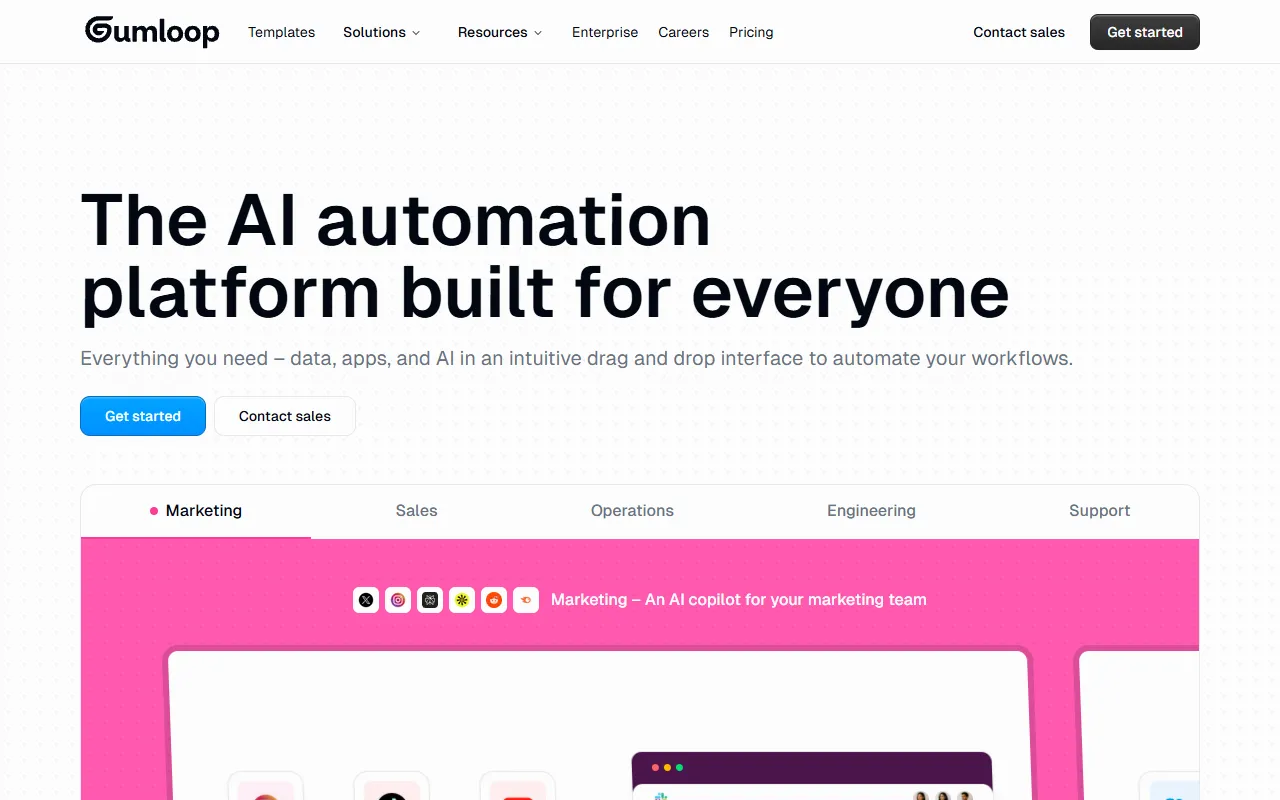
Gumloop is an innovative AI workflow automation platform that enables users to connect large language models to various tools, data sources, and APIs through a visual, node-based interface. The platform is designed to make it easy for both technical and non-technical users to build sophisticated AI-powered automations that combine the reasoning capabilities of LLMs with the practical functionality of existing business tools. By providing a visual canvas where users can drag, drop, and connect different components, Gumloop eliminates the need for complex programming to create AI workflows.
The platform sits at the intersection of two rapidly growing technology categories: AI agents and workflow automation. While traditional automation tools like Zapier and Make focus on connecting apps through trigger-action sequences, Gumloop adds an intelligence layer by incorporating LLM nodes that can understand context, make decisions, and generate content within the automation flow. This means users can build workflows where an AI reads an email, understands the intent, drafts a response, looks up relevant information from a database, and sends a personalized reply, all without human intervention.
Gumloop has attracted attention for its approach to making AI automation accessible to a broader audience. Rather than requiring users to write Python scripts or understand API documentation, the platform provides pre-built nodes for common operations like web scraping, document processing, email sending, database queries, and LLM interactions. Users simply connect these nodes in the order they want operations to occur, configure each node's settings through intuitive forms, and let the platform handle the technical complexity of data passing, error handling, and execution management.
Key Features
Visual Workflow Builder: Gumloop's core interface is a visual canvas where users build automations by dragging nodes onto the workspace and connecting them with lines that represent data flow. Each node represents a specific operation such as an LLM call, web scraping action, API request, data transformation, or output delivery. The visual nature of the builder makes it easy to understand complex workflows at a glance, debug issues by tracing the data flow, and modify automations without disrupting the overall structure.
LLM Integration Nodes: The platform provides dedicated nodes for interacting with various large language models including OpenAI's GPT models, Anthropic's Claude, Google's Gemini, and open-source alternatives. These nodes can be configured with custom system prompts, temperature settings, and output formatting instructions. Users can chain multiple LLM calls together, use the output of one AI interaction as input for another, and combine AI reasoning with structured data operations to create sophisticated intelligent workflows.
Web Scraping and Data Collection: Built-in web scraping nodes allow users to extract data from websites, parse HTML content, and convert unstructured web data into structured formats that can be processed by subsequent nodes. These scraping capabilities can be combined with AI nodes to create intelligent data collection pipelines that not only extract information but also interpret, categorize, and summarize it automatically.
Document Processing: Gumloop can process various document formats including PDFs, Word documents, spreadsheets, and images. The platform extracts text and data from these documents and makes it available for processing by AI and other nodes in the workflow. This capability is particularly useful for automating document-heavy processes like invoice processing, contract review, and report analysis.
API and Integration Connectors: The platform provides connectors for popular tools and services, as well as generic HTTP nodes that can interact with any API. These integration capabilities allow workflows to read and write data from CRMs, databases, project management tools, communication platforms, and other business applications. Custom API nodes support various authentication methods and can handle complex request and response formats.
How It Works
Building a workflow in Gumloop starts with identifying the trigger or input that initiates the automation. This could be a manual trigger, a scheduled time, an incoming webhook, or a new piece of data appearing in a connected system. Users then add processing nodes to the canvas that define the steps the automation should take, connecting them in sequence or in parallel as needed. Each node is configured through a simple form interface where users specify parameters, input mappings, and output formats.
A typical workflow might start with a trigger node that activates when a new lead form is submitted, followed by an LLM node that analyzes the submission to determine the lead's quality and intent, a conditional node that routes high-quality leads to one path and lower-quality leads to another, a data enrichment node that looks up additional company information, and finally output nodes that create a CRM record and send a personalized follow-up email. Each node processes data and passes its output to the next connected node, creating a pipeline that transforms raw inputs into actionable outcomes.
Gumloop provides testing and debugging tools that allow users to run their workflows step by step, inspect the data at each node, and identify any issues before deploying the automation for production use. The platform handles execution management including retry logic for failed operations, rate limiting for API calls, and parallel processing for workflows that can execute multiple branches simultaneously. Once deployed, workflows run automatically based on their configured triggers, with monitoring dashboards providing visibility into execution history, success rates, and error logs.
Use Cases
Content Research and Generation: Content teams use Gumloop to automate research and content creation workflows. A typical automation might scrape relevant industry news sources, use AI to analyze and summarize the findings, generate draft blog posts or social media content based on the research, and publish the content to a CMS or schedule it through a social media management tool, all triggered on a daily schedule.
Lead Enrichment and Qualification: Sales teams build workflows that automatically enrich new leads with data from multiple sources, use AI to score and qualify leads based on configurable criteria, draft personalized outreach messages, and route qualified leads to the appropriate sales representative. This automation ensures every lead receives prompt, relevant attention without manual processing.
Customer Feedback Analysis: Product and support teams create automations that collect customer feedback from multiple channels, use AI to categorize feedback by theme and sentiment, identify trending issues or feature requests, generate summary reports, and create tickets for actionable items. This transforms scattered customer input into organized, actionable intelligence.
Document Processing Pipelines: Operations teams automate document-heavy processes like invoice processing, contract extraction, and compliance document review. Workflows can extract data from uploaded documents, validate the information against business rules, populate databases or accounting systems, and flag exceptions for human review, dramatically reducing manual data entry and processing time.
Pricing
Gumloop offers a tiered pricing structure designed to scale with usage. The free tier provides limited workflow runs per month, allowing users to explore the platform and build simple automations without cost. Paid plans are typically based on the number of workflow executions, the complexity of operations used, and the volume of data processed. Higher-tier plans provide more execution credits, access to premium nodes and integrations, priority execution speed, and additional team collaboration features. Pricing varies and users should check the Gumloop website for the most current plan details and pricing. The platform also provides custom enterprise plans for organizations with high-volume automation needs or specific security and compliance requirements.
Pros and Cons
Pros:
The visual, node-based workflow builder makes it genuinely accessible for non-developers to create sophisticated AI automations that would otherwise require significant programming skills and API expertise.
Native LLM integration nodes support multiple AI providers, giving users the flexibility to choose the best model for each task and avoiding vendor lock-in to a single AI platform.
Built-in web scraping and document processing capabilities reduce the need for additional tools, allowing users to build end-to-end workflows that handle data collection, AI processing, and action execution within a single platform.
Cons:
As a newer platform, the ecosystem of pre-built integrations and templates is still growing, which may require users to build more components from scratch compared to established automation tools with larger connector libraries.
Complex workflows with many nodes and conditional branches can become difficult to manage and debug, and the platform's error handling capabilities may not yet be as robust as those of more mature enterprise automation platforms.
Who Is It Best For?
Gumloop is best suited for technically curious professionals, growth hackers, and small teams who want to leverage AI automation without investing in custom development. Marketing teams, sales operations specialists, content creators, and business analysts who need to automate repetitive workflows involving AI processing will find the platform particularly valuable. It is also an excellent tool for entrepreneurs and solo operators who need to automate processes that would otherwise require hiring additional staff. Teams already familiar with visual automation tools like Zapier or Make will find Gumloop's approach intuitive while appreciating the added AI capabilities that set it apart.
Why Choose Gumloop?
Gumloop stands out by bridging the gap between traditional workflow automation and AI agent capabilities in a way that is accessible to non-developers. While other platforms require users to choose between simple trigger-action automations and complex AI development, Gumloop provides a middle path that combines the intelligence of large language models with the practical connectivity of workflow automation tools. For individuals and teams who see the potential of AI to transform their workflows but lack the programming resources to build custom solutions, Gumloop provides an intuitive platform that makes sophisticated AI automation achievable and practical.
ADVERTISEMENT
728 x 90
Browse More Tools
View all
Connected Papers
Research ToolsVisual tool for exploring academic paper connections and building literature graphs.


Ironclad
Legal AIAI-powered contract lifecycle management platform for enterprise legal teams.
MindsDB
Data AnalyticsAI platform that brings machine learning directly into your existing databases.
AI Shirt Design Generator - YupTees
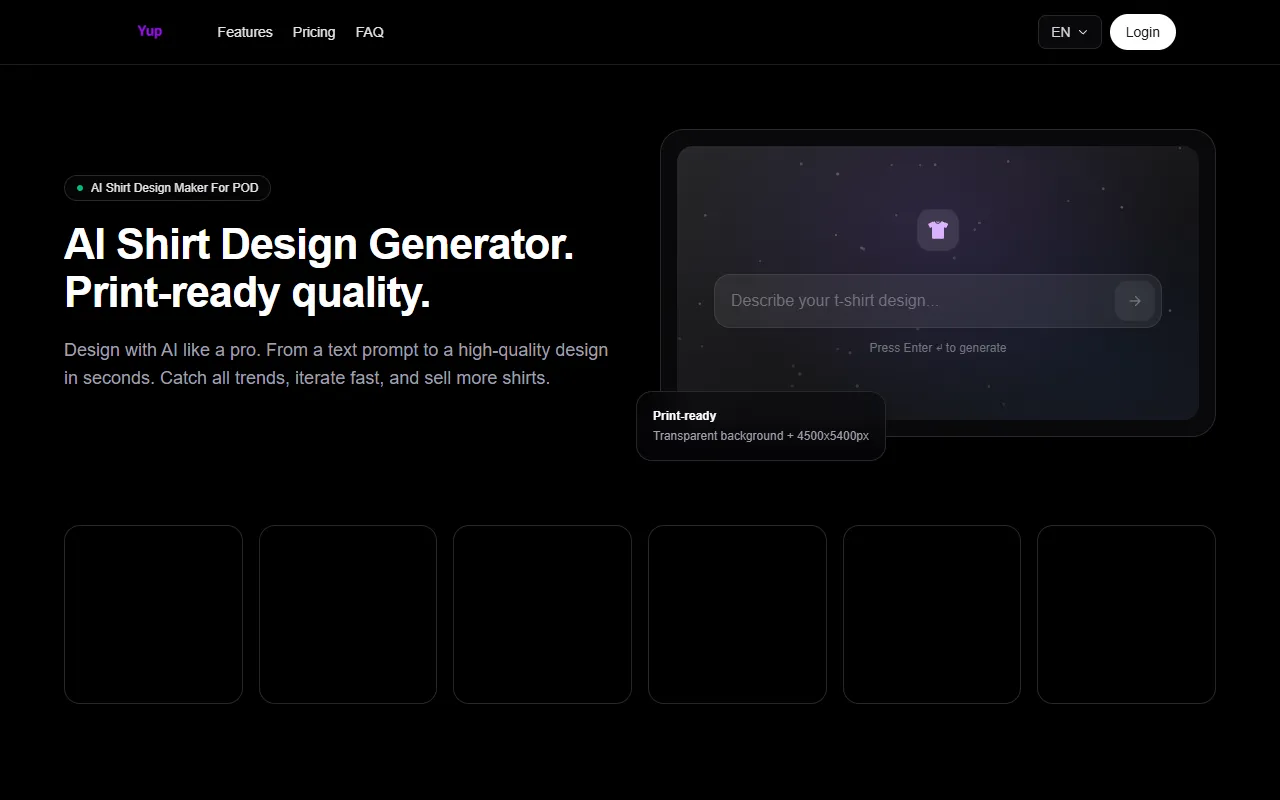
AI Image GenerationYupTees: AI-powered T-shirt design generator for fast, easy, and scalable print-on-demand creations.
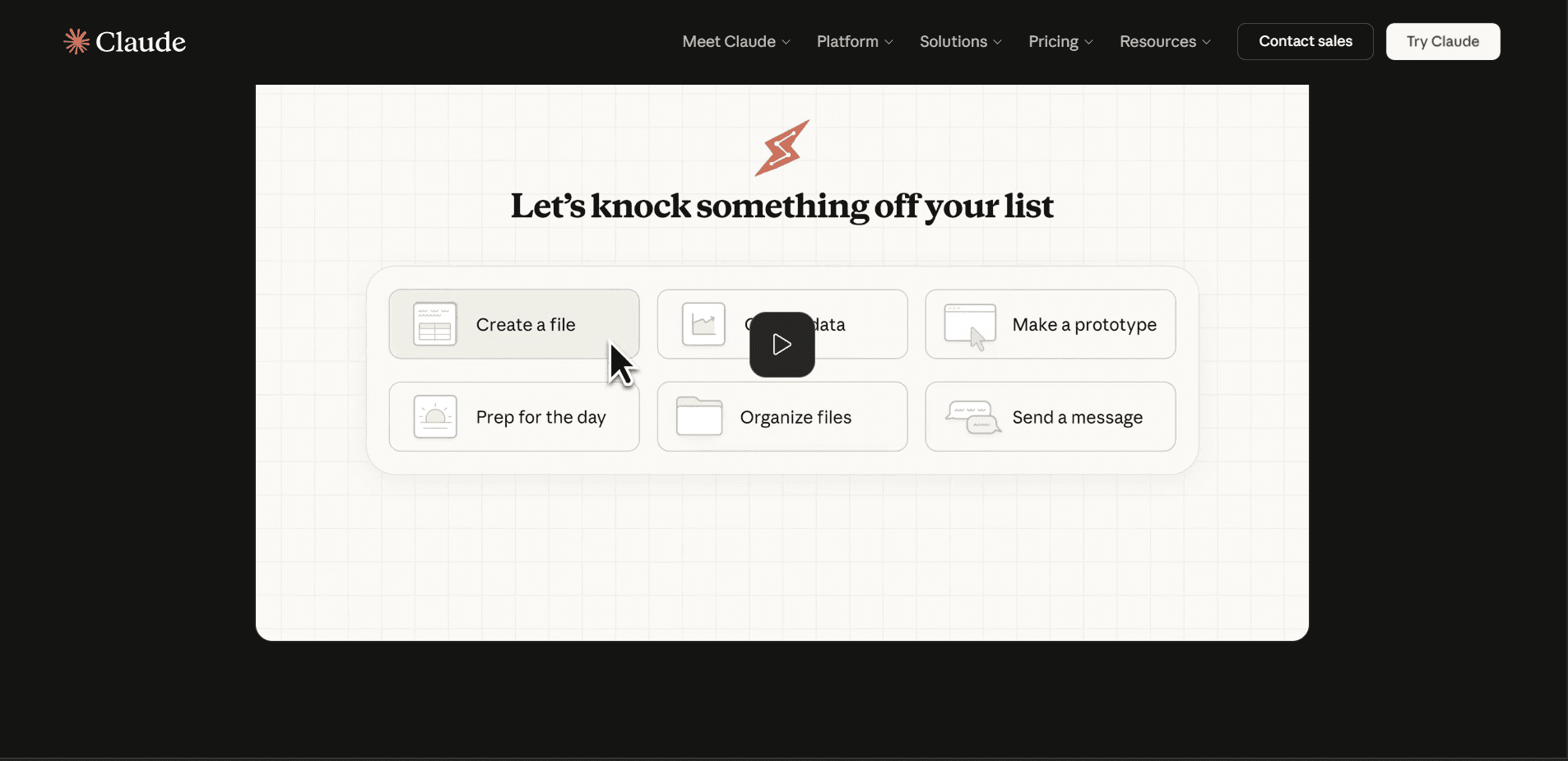
Claude
AI AssistantsAnthropic's AI assistant known for thoughtful, nuanced responses, strong reasoning capabilities, and a focus on safety and helpfulness.
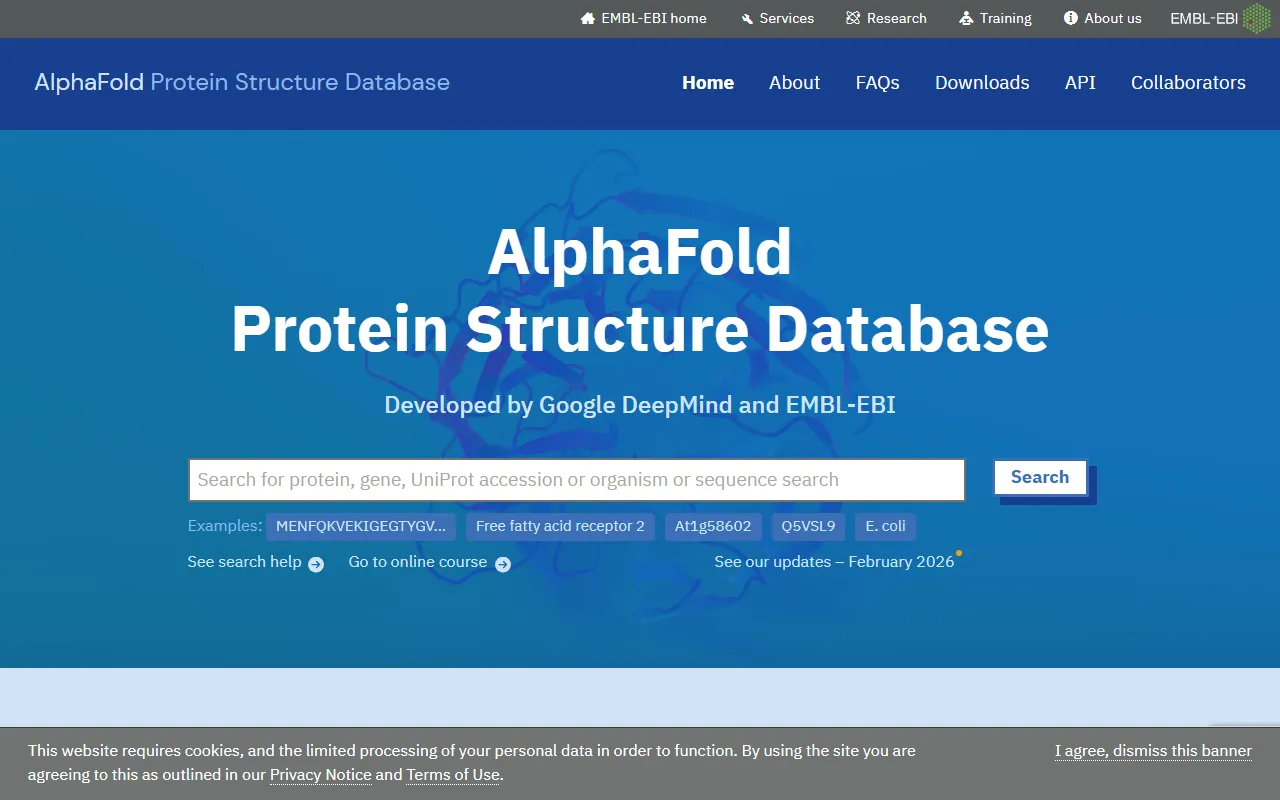

AlphaFold
Science AIDeepMind AI system that predicts 3D protein structures with remarkable accuracy.
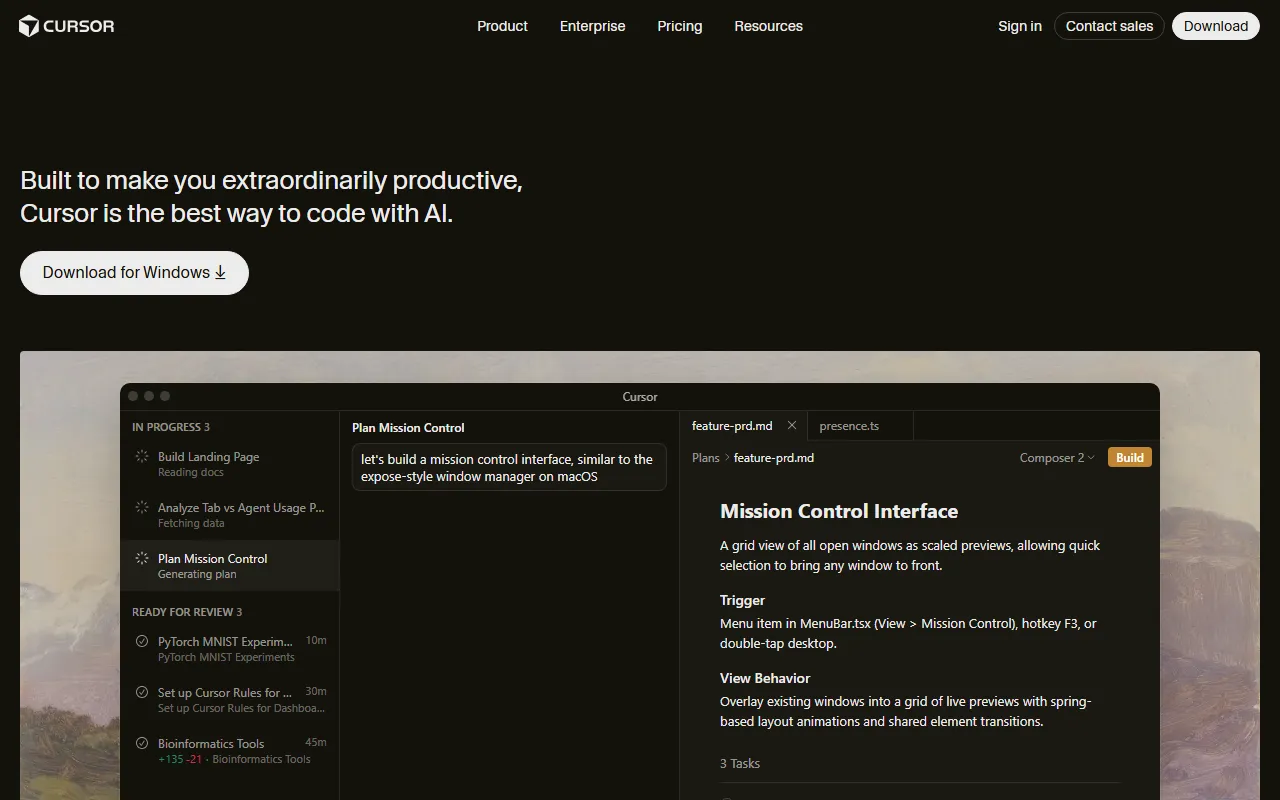

Cursor
Code AssistantsAn AI-first code editor built on VS Code that integrates AI deeply into every aspect of the coding experience, from writing to debugging.

ChatGPT
AI AssistantsOpenAI's conversational AI assistant capable of generating text, answering questions, writing code, and assisting with a wide range of tasks.

Claid.ai
Image EditingAI product photo editing with automated background removal, upscaling, and enhancement.